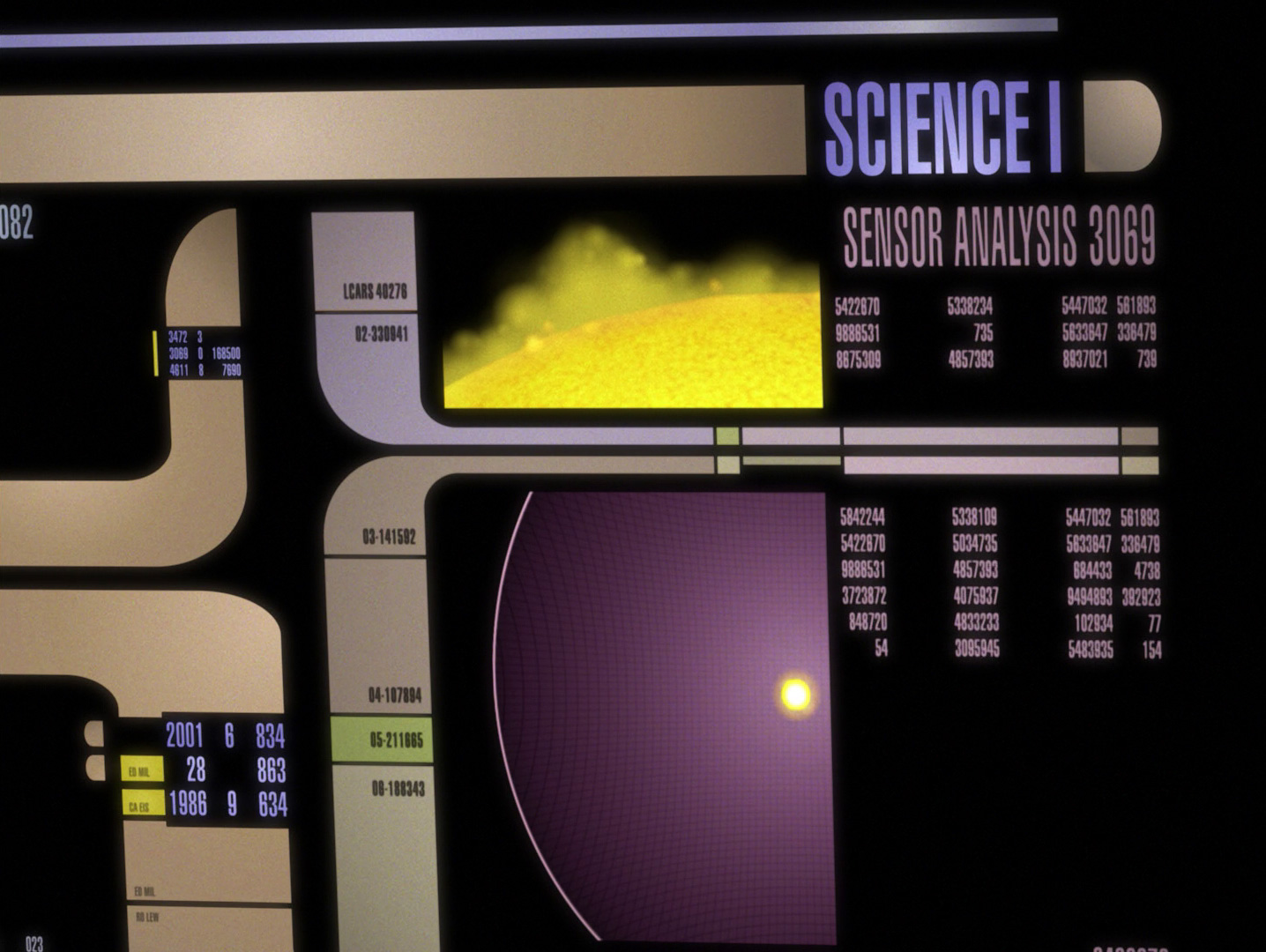
I can look at a Starfleet computer screen from across a room and know what it is before I have read a single word on it. Black background, blocks of amber and peach, a bit of lavender or pale blue, long horizontal bands that suddenly bend around corners, and numbers squeezed into spaces that look as though they were designed for officers who spent several years at Starfleet Academy learning which mauve rectangle controls life support.
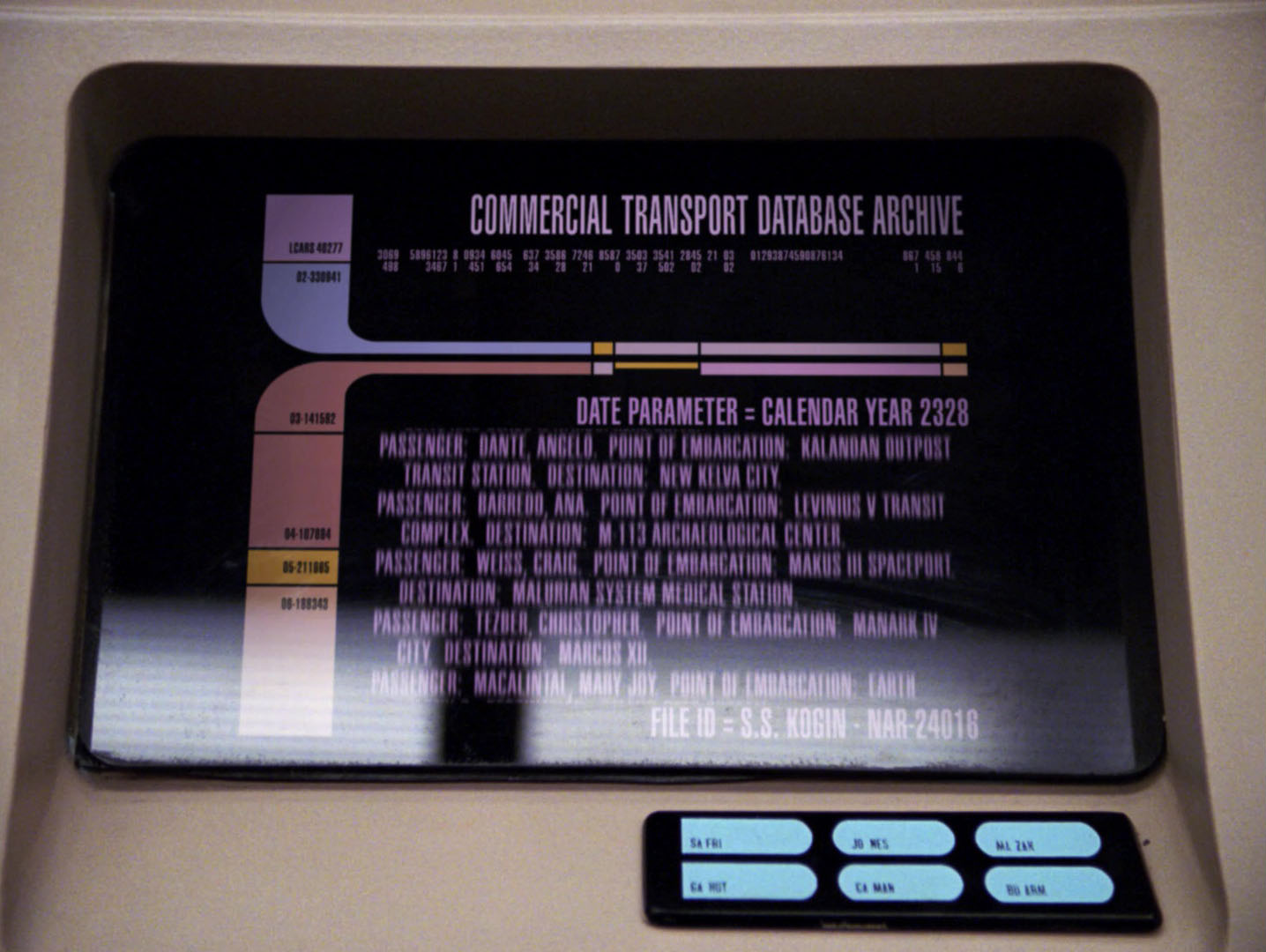
That visual language is LCARS, the Library Computer Access/Retrieval System, and it has been sitting in the back of my head for most of my adult life. I still could not tell you what ninety per cent of its buttons actually do, but I know exactly what those buttons mean: Starfleet, the twenty-fourth century, the Enterprise-D, and a future where computers have become so ordinary that nobody on screen feels the need to explain them.

Download full-resolution image
What interests me now is not whether LCARS would pass a contemporary usability test. It probably would not, at least not without causing several meetings, a redesign sprint and a very tired UX researcher asking why the emergency controls are the same shape as everything else. What interests me is how a television graphic system became culturally recognisable enough that we can identify the future from a handful of rounded rectangles.
The Future Stopped Needing Switches
When Star Trek: The Next Generation arrived in 1987, one of its quiet problems was visual. Kirk’s Enterprise had already given television a convincing version of advanced machinery: switches, rotary controls, indicator lamps, coloured buttons and a bridge that looked as though it might have been designed by people who also built radar rooms and mission control centres. The new series was set nearly a century later, so simply adding more switches would have made the future look busier rather than more advanced.

Download full-resolution image
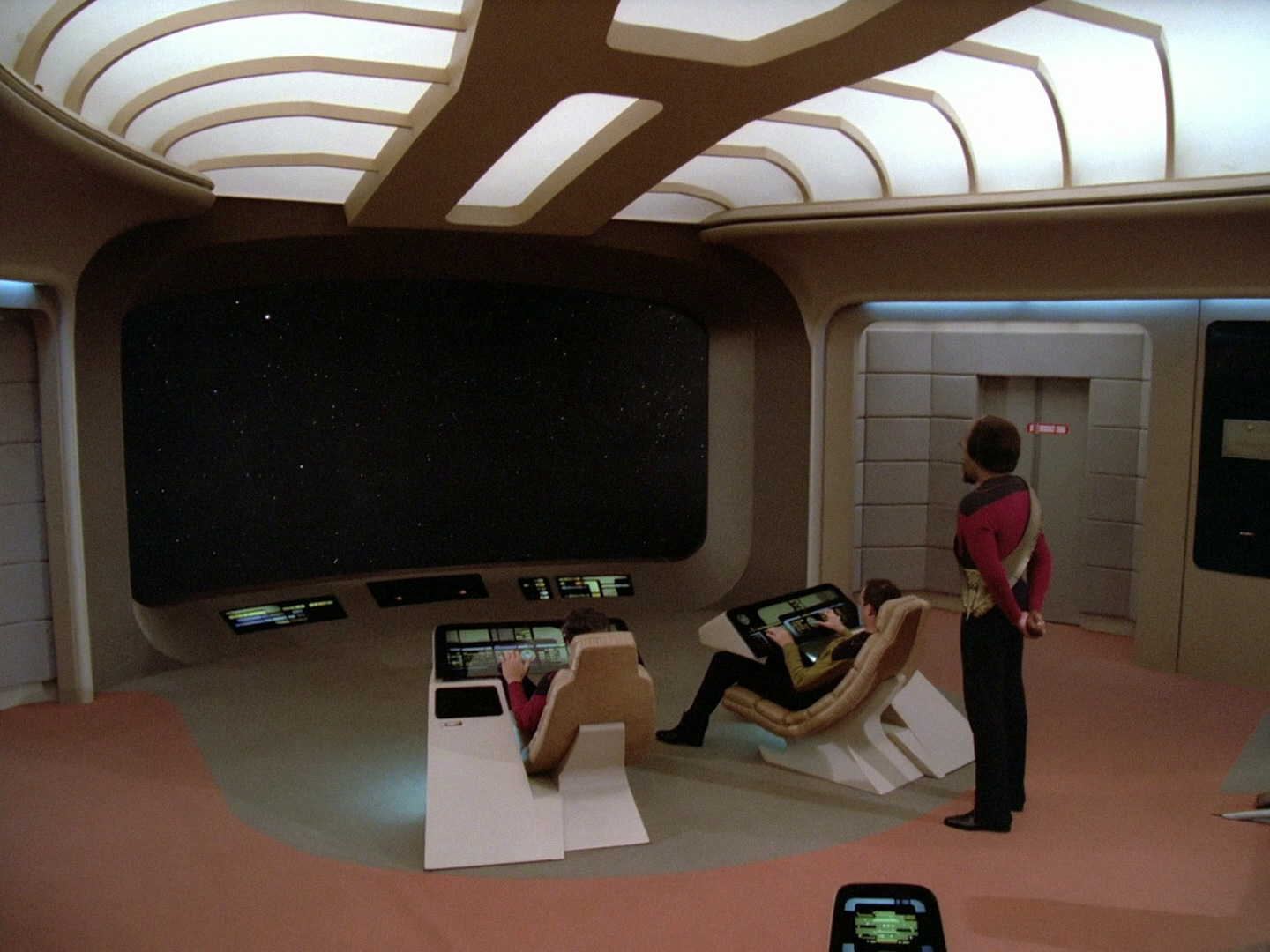
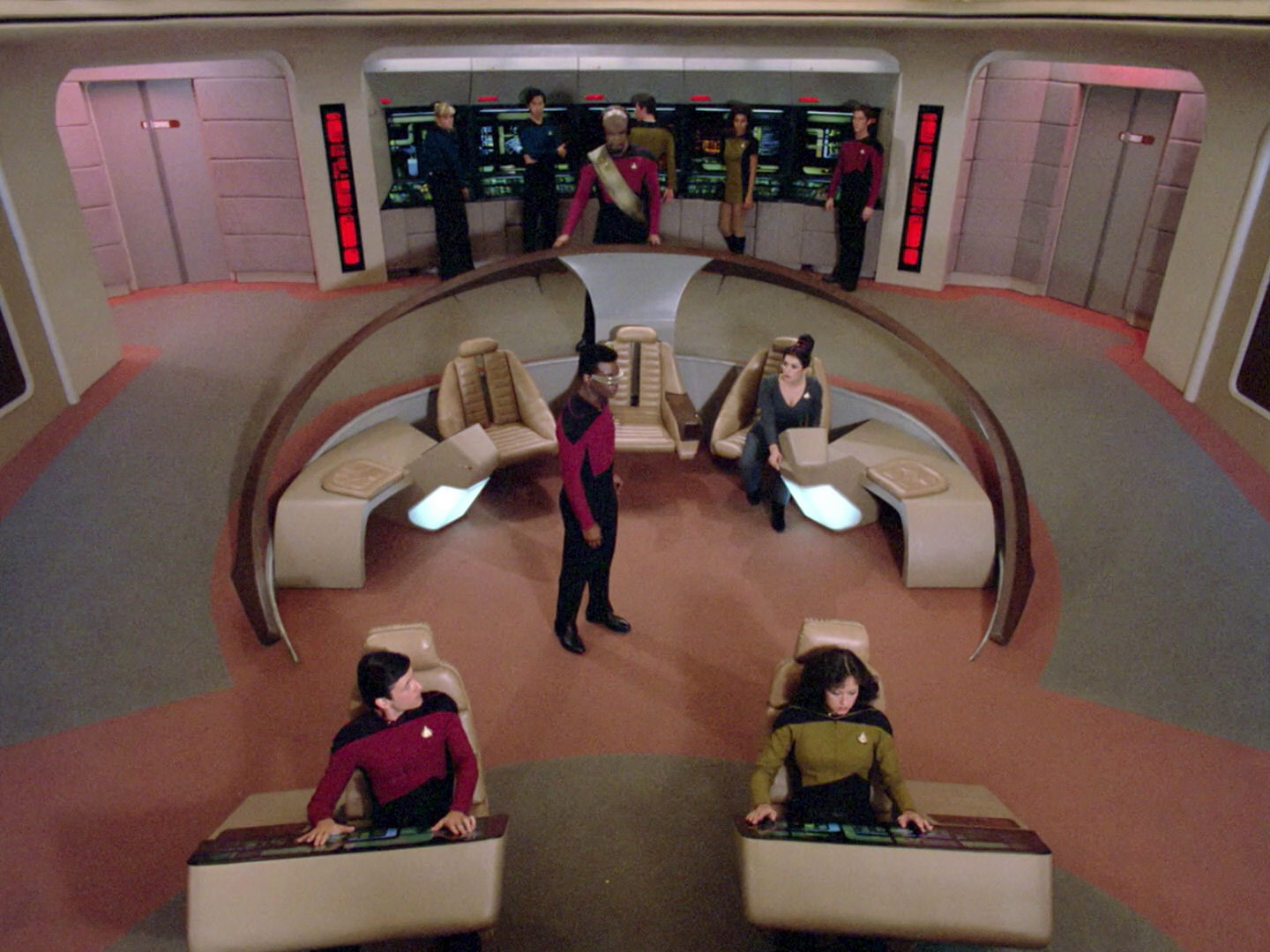
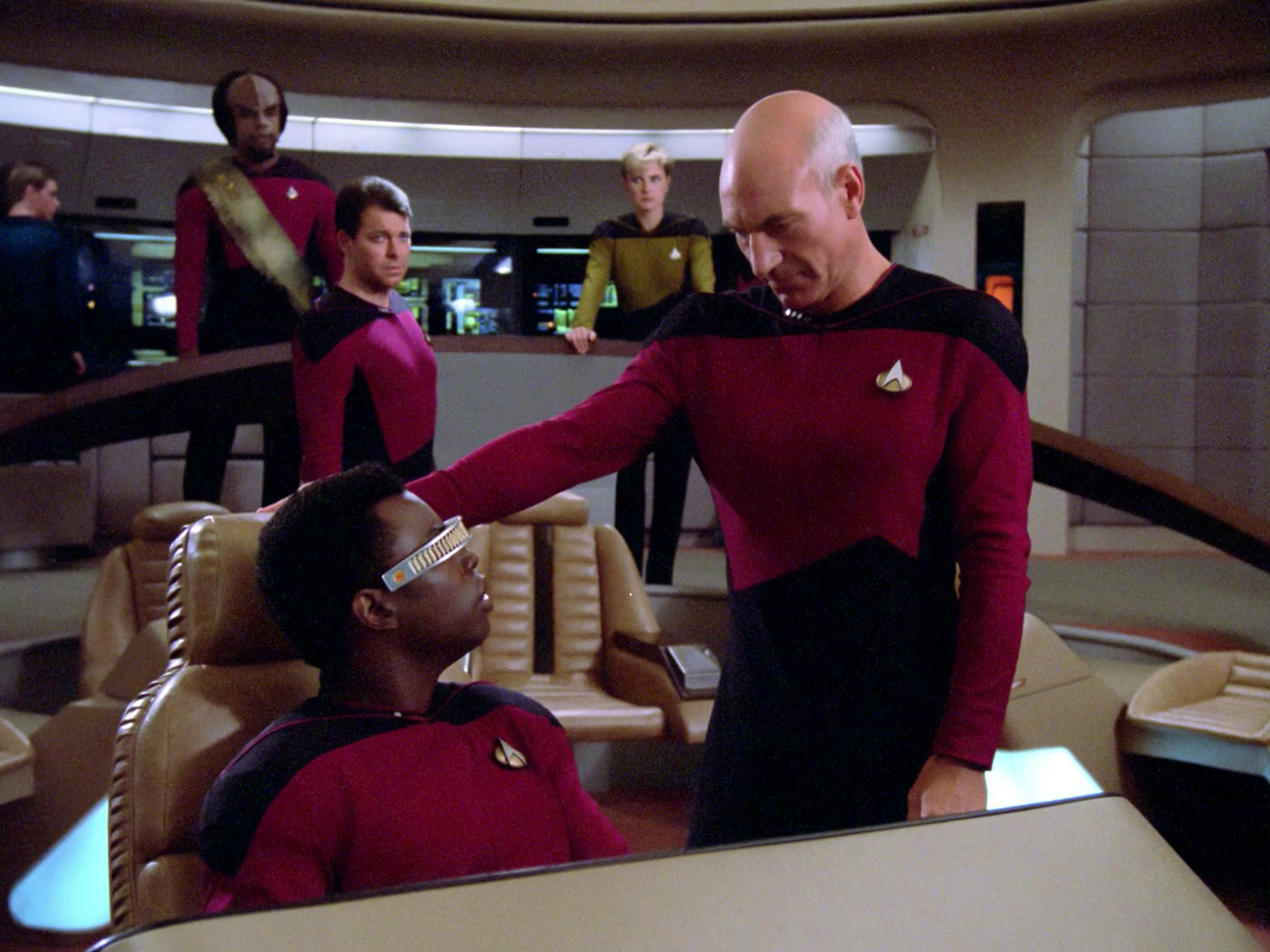
Gene Roddenberry wanted the new Enterprise to feel technologically mature, and Michael Okuda’s graphic work helped solve that problem by removing much of the visible machinery. The Enterprise-D bridge is soft, carpeted and unusually calm, with sloping consoles and smooth black surfaces where earlier science fiction might have put rows of hardware. The result looks less like a submarine control room and more like an exceptionally optimistic corporate lounge that happens to contain a warp drive.

Download full-resolution image


Download full-resolution image
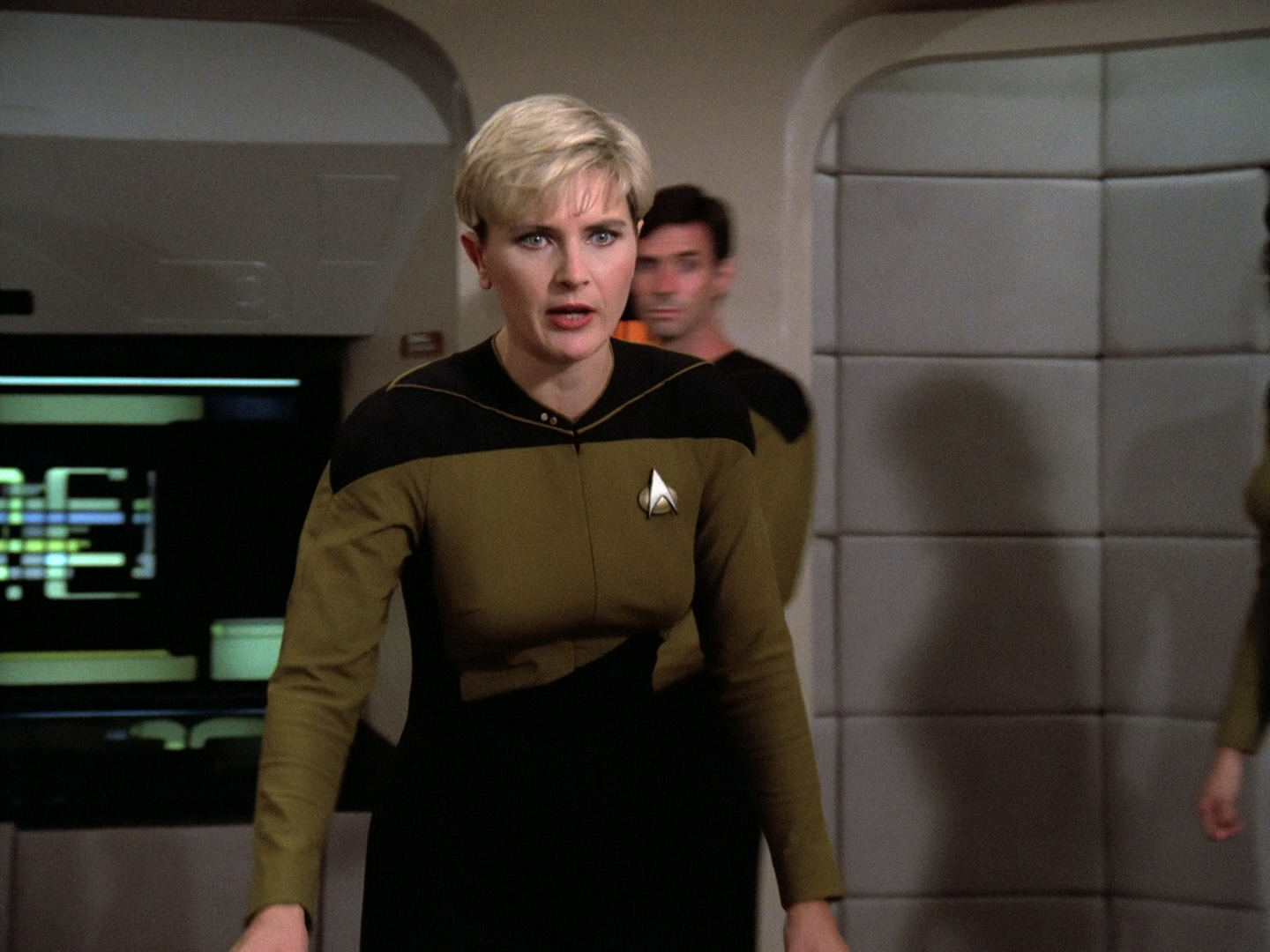
That softness is part of what made the ship feel new. The technology is not asking for attention because the people of the twenty-fourth century have supposedly lived with it all their lives, and the interface therefore behaves more like furniture than spectacle. It is one of the reasons TNG’s future remains oddly comforting even when the episode itself is busy threatening the crew with assimilation, temporal collapse or another diplomatic dinner.

Download full-resolution image


Download full-resolution image
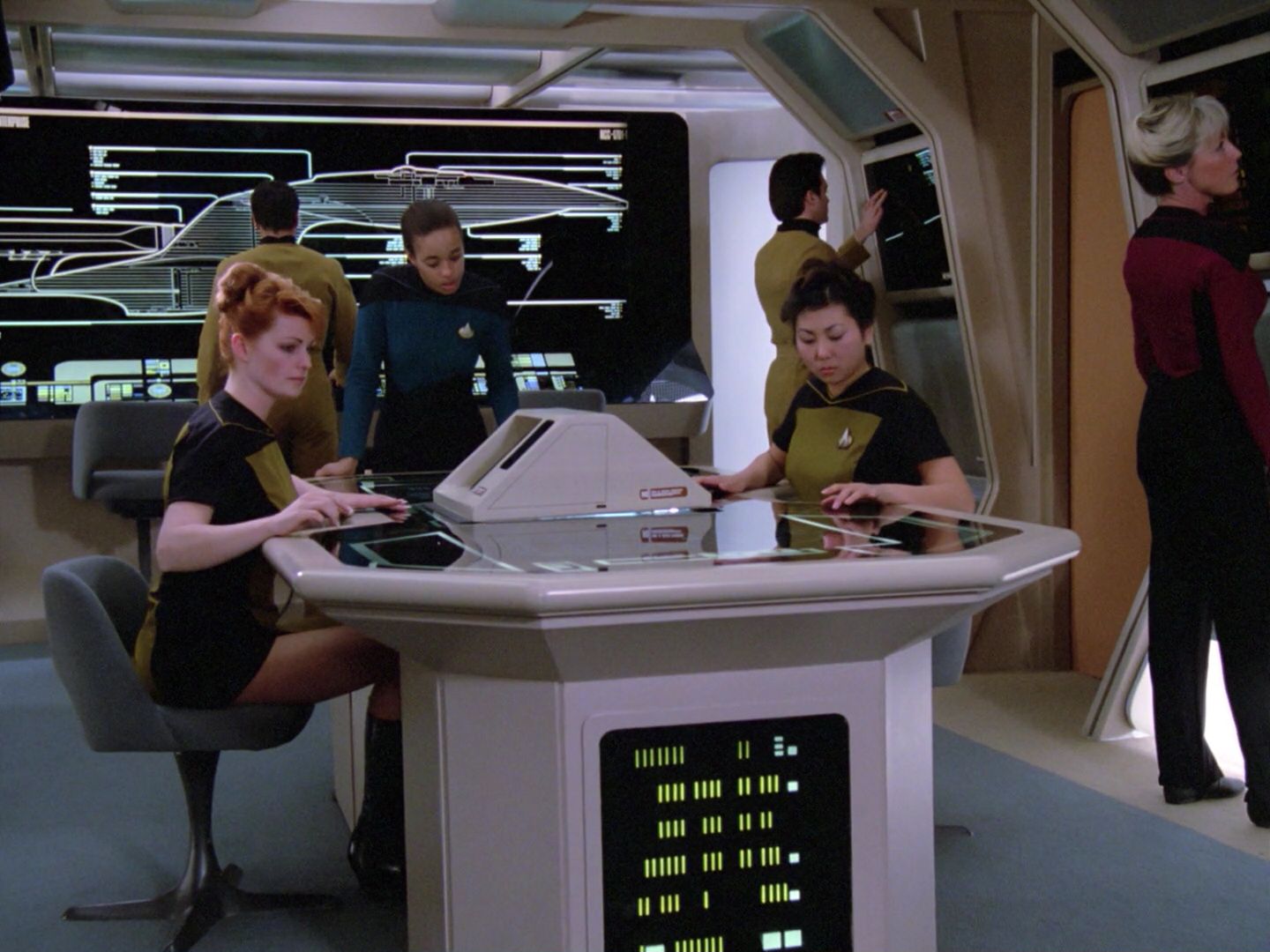
Michael Okuda and the Art of Looking Organised
LCARS is closely associated with scenic art supervisor and graphic designer Michael Okuda, whose display graphics became so characteristic that fans eventually started calling them “Okudagrams”. The production problem was practical as much as imaginative: the graphics had to look advanced on camera, remain readable as background texture, fit the architecture of the sets and suggest an enormous amount of information without forcing the actors or audience to stop and decode it.
Okuda has spoken about the idea that future technology ought to remove complexity from the user rather than advertise it. That makes LCARS more interesting than the usual “add more detail and call it futuristic” approach. Its screens are often dense, but the density is organised into strong visual zones, with colour, shape and spacing doing the work that physical switches and labelled panels once did.

Download full-resolution image

Download full-resolution image
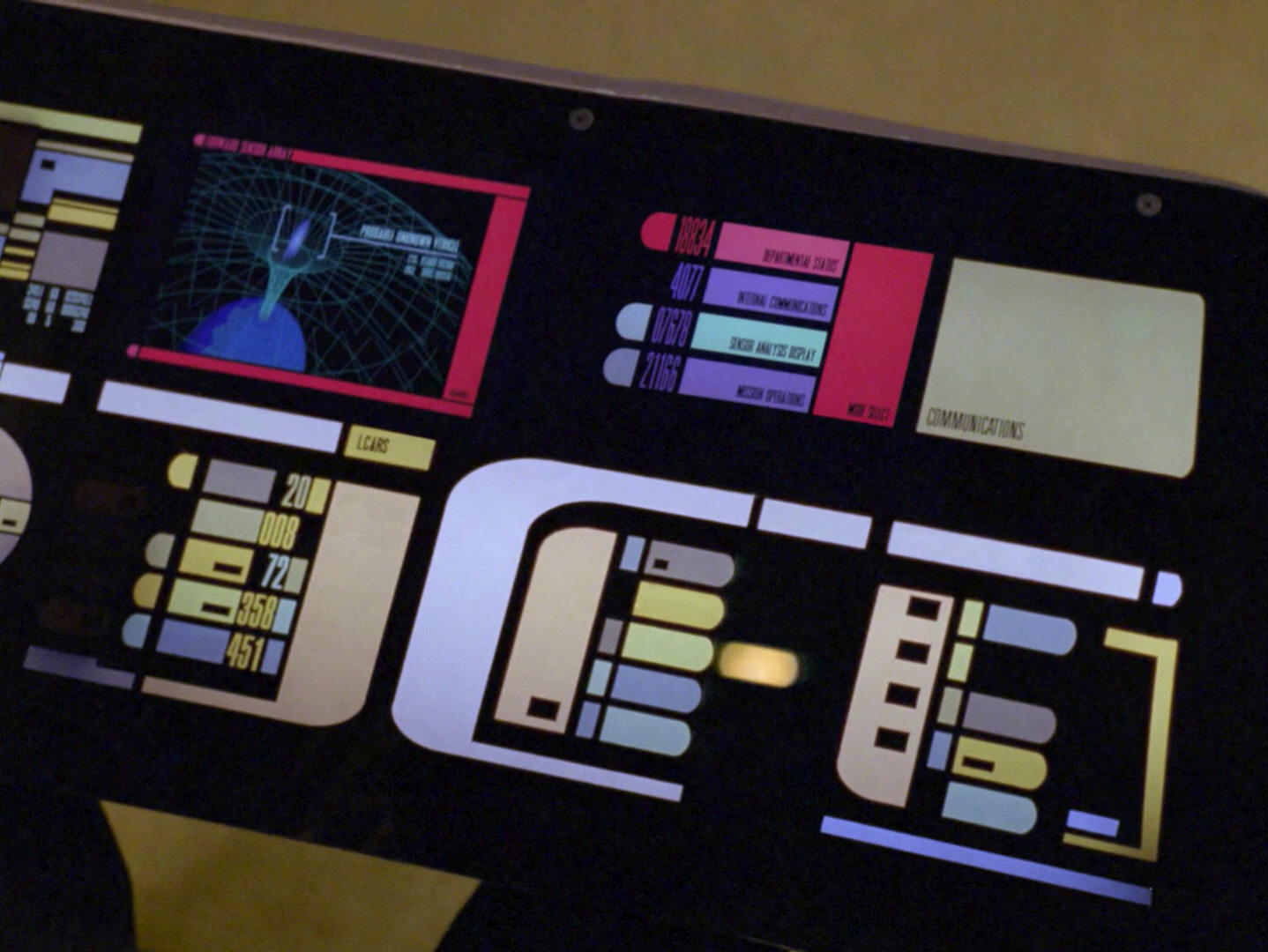
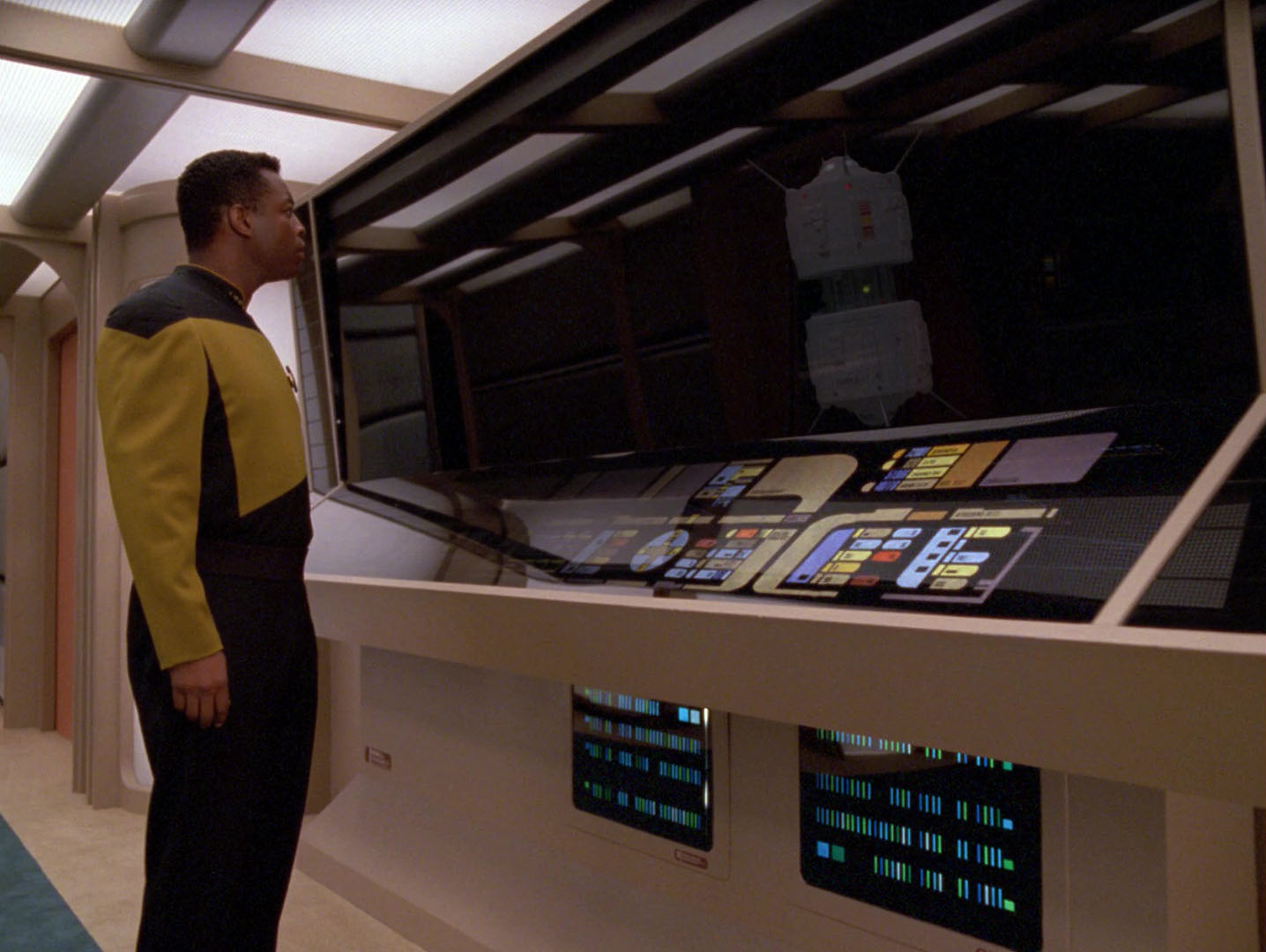
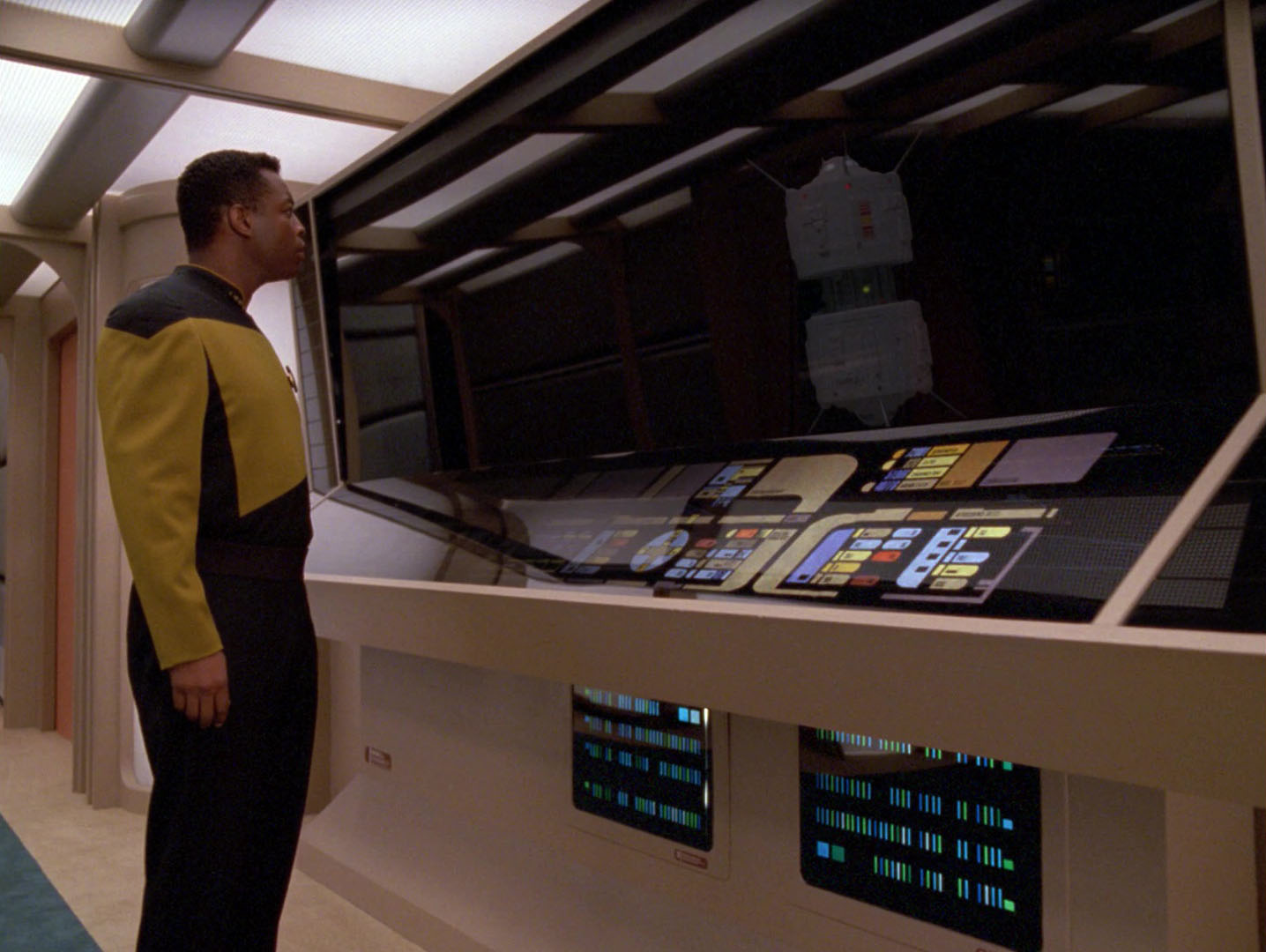
The famous rounded “elbow” shape does an astonishing amount of the branding. A horizontal band bends down into a vertical column, smaller capsules sit beside it, and the rest of the screen is left mostly black. Remove the Starfleet insignia, remove the Enterprise schematic and even remove the words, and the geometry alone still reads as LCARS.

Download full-resolution image

The typography helps, too. Much of the production lettering used an extremely condensed Swiss-style face, allowing labels and numbers to become another graphic texture rather than a block of conventional text. As a designer, I recognise the trick immediately: if the information has to remain visible but not steal the shot, you make it feel systematic before you make it readable.

Download full-resolution image

The World’s Most Confident Touchscreen
The great joke, of course, is that the original LCARS panels were not touchscreens in the way we now understand the word. Many were static graphics mounted behind smoked or dark acrylic and lit from behind, while moving information could be supplied by separate monitors or later video playback. The actors supplied the interaction, and the camera supplied the rest of the illusion.
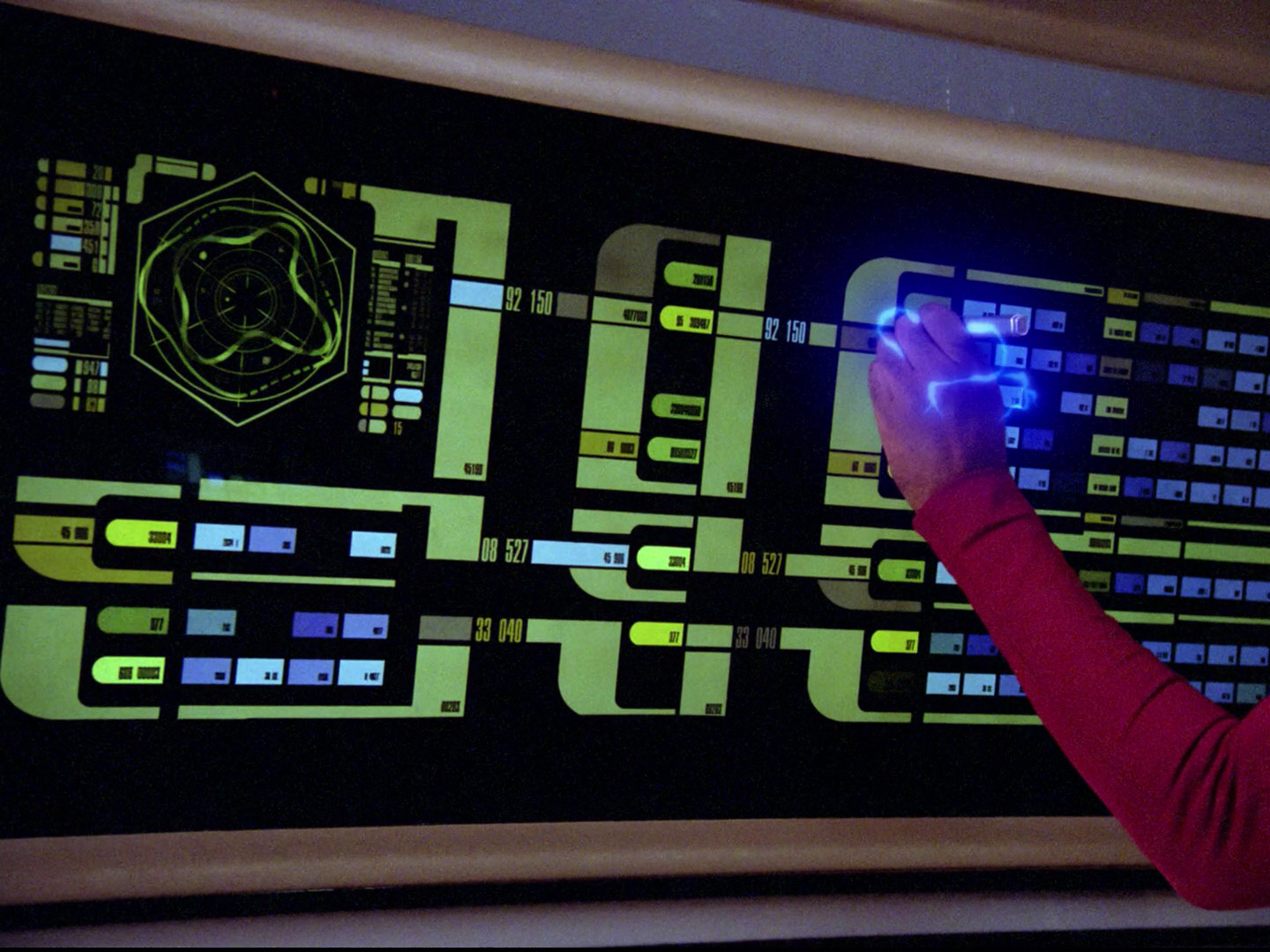
That should make the whole thing feel fake, but it does the opposite because the performers never treat the interface as mysterious. They touch a sequence of areas with the confidence of people doing a familiar job, and the lack of hesitation tells us there must be a logic underneath the colours. We learn the interface not from menus or tooltips but from watching trained users behave as if it has always existed.

Download full-resolution image

Download full-resolution image
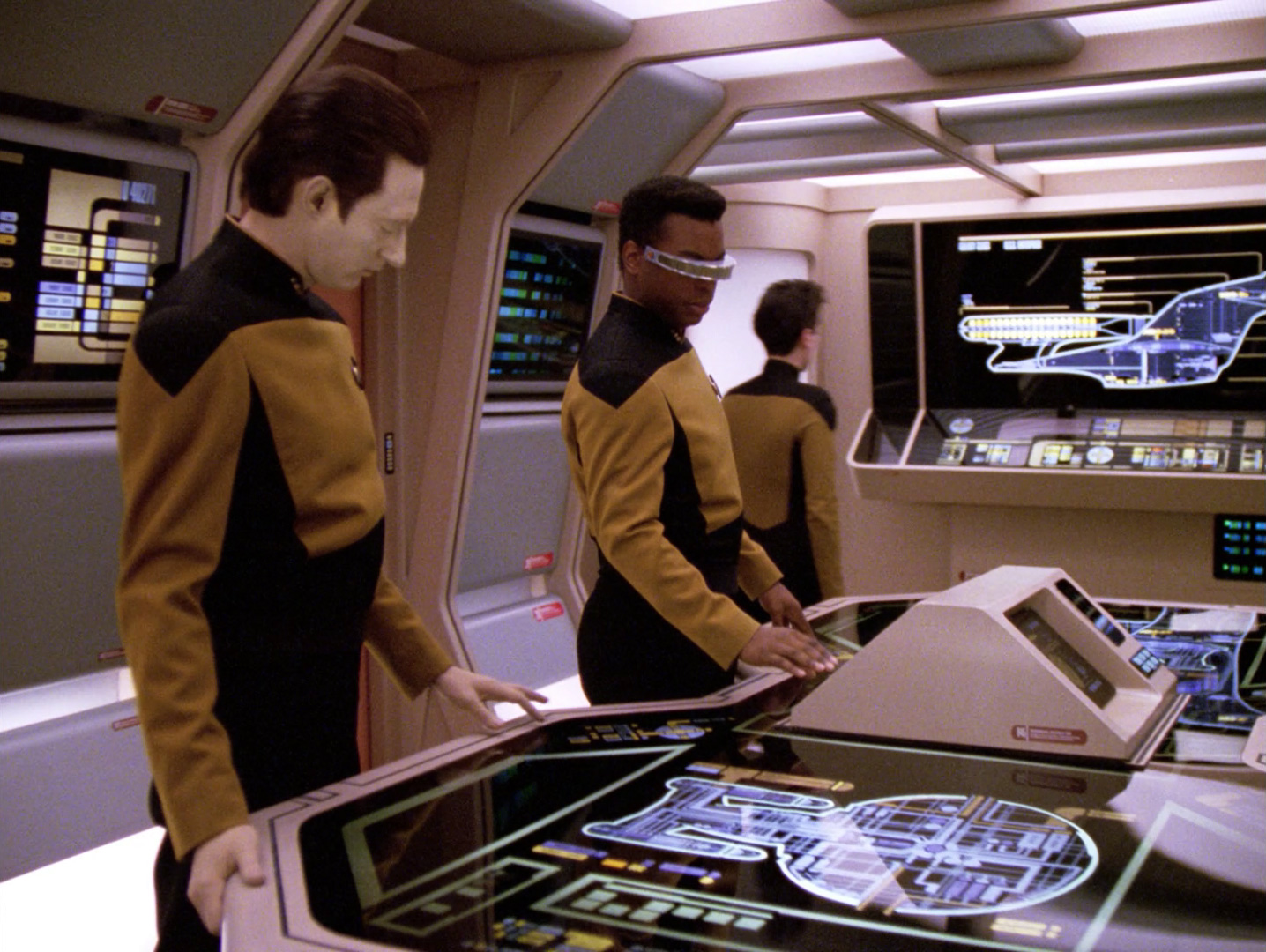
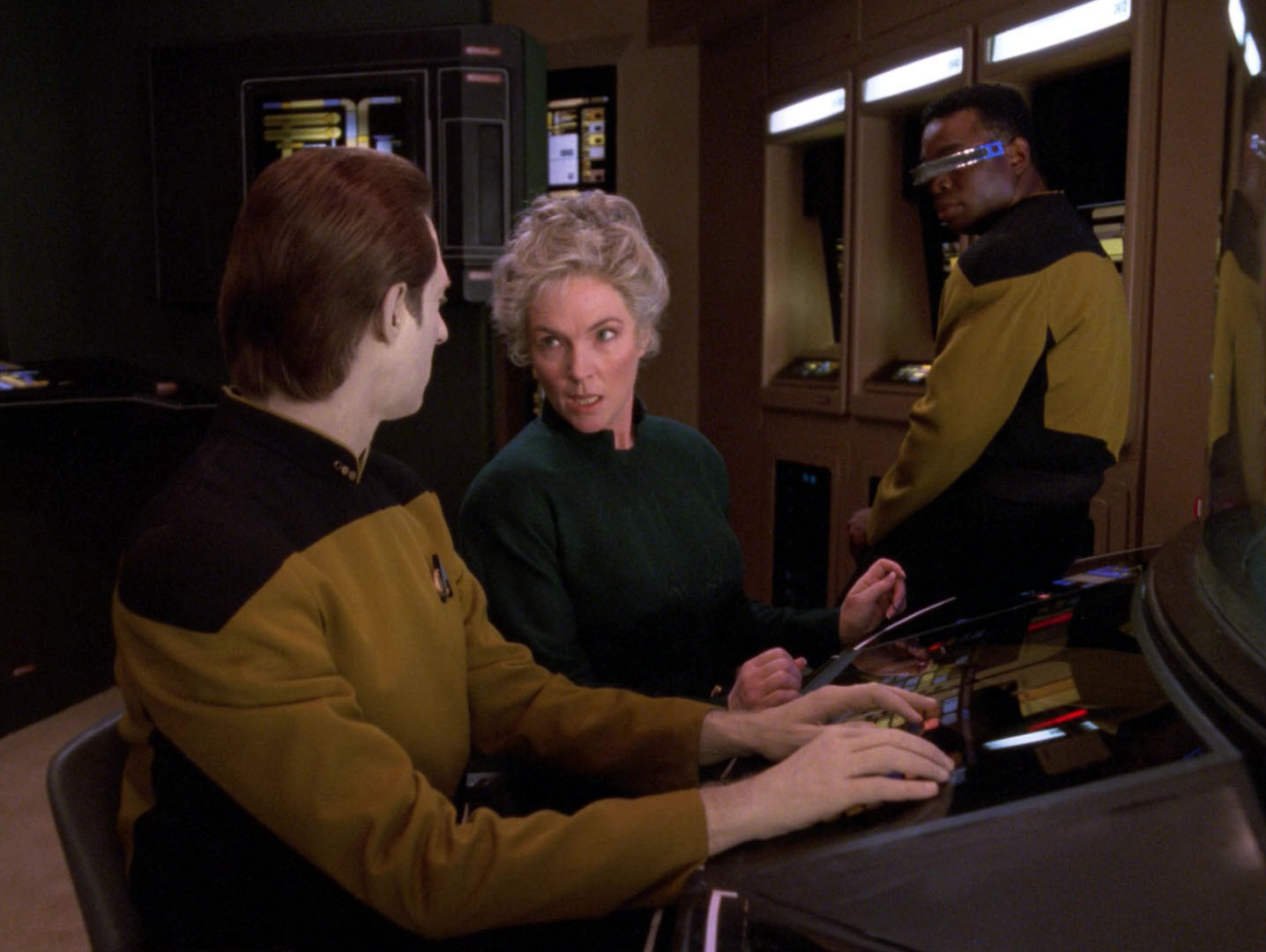
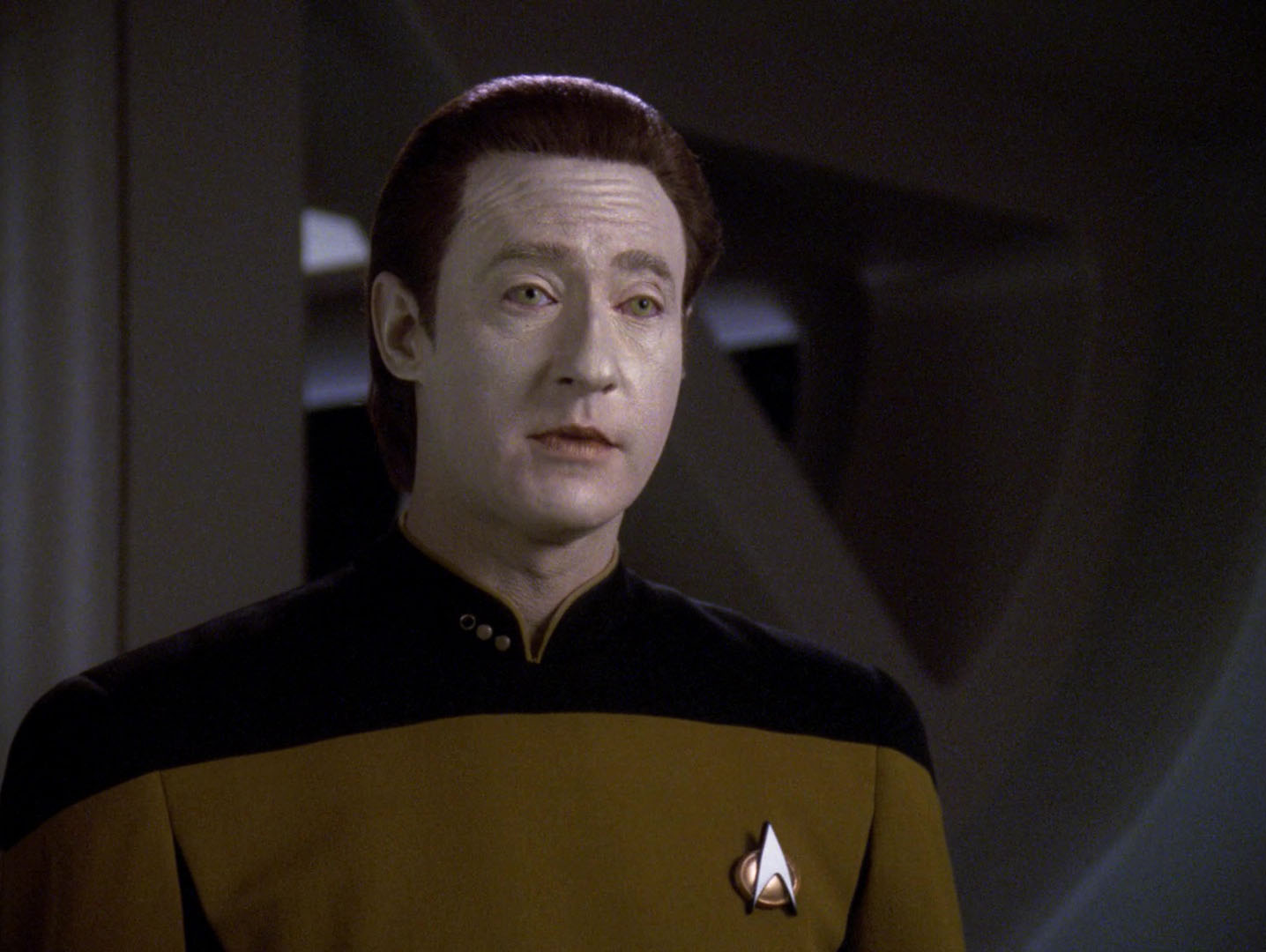
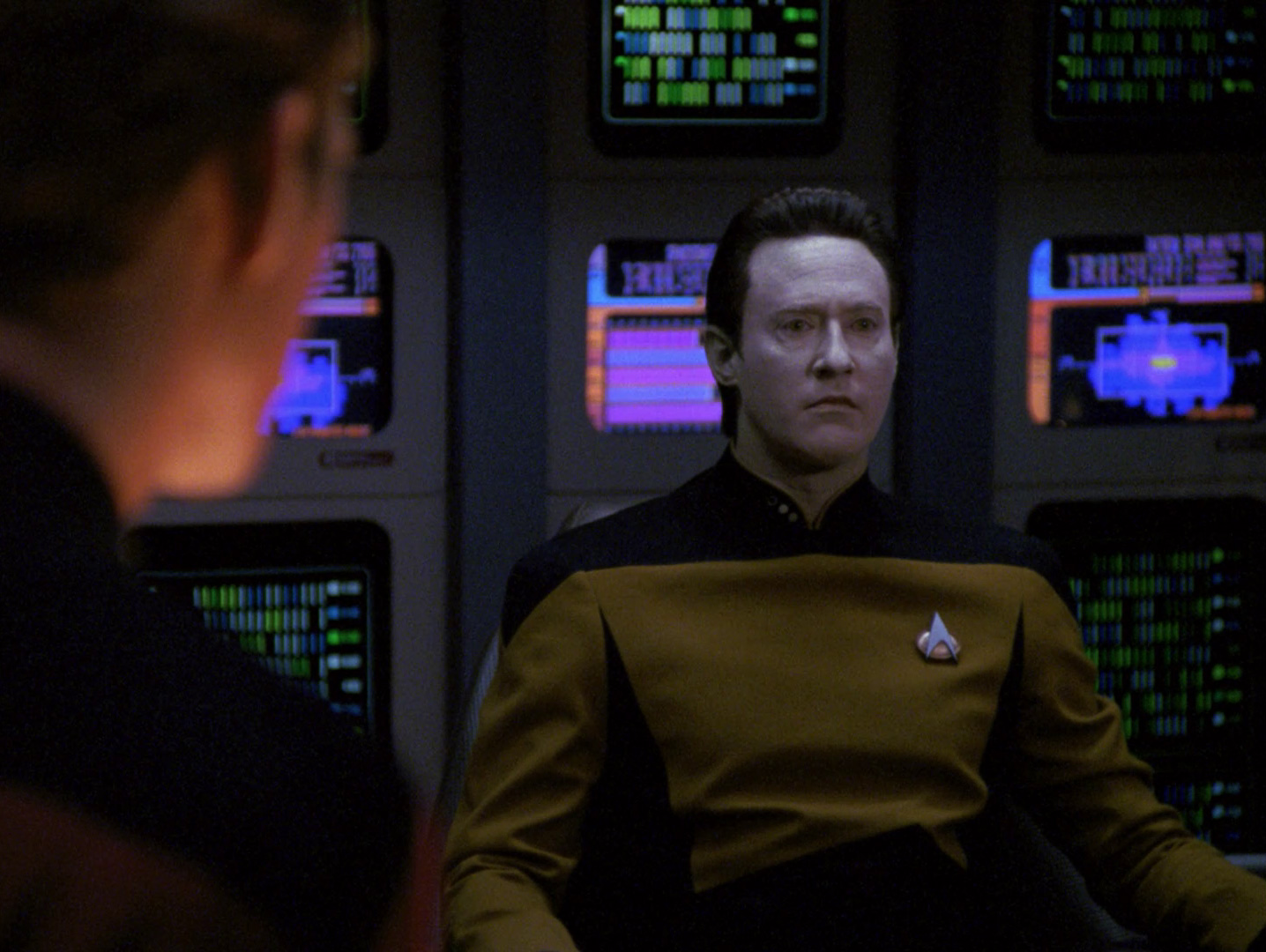
Data is probably the ideal LCARS user because he makes the system look almost frictionless. His hands move quickly across Operations, information arrives, sensors respond, and the ship does whatever the scene requires without Data ever pausing to wonder whether the command has been moved into a new submenu. The interface seems intelligent because the character using it never looks lost.

Download full-resolution image
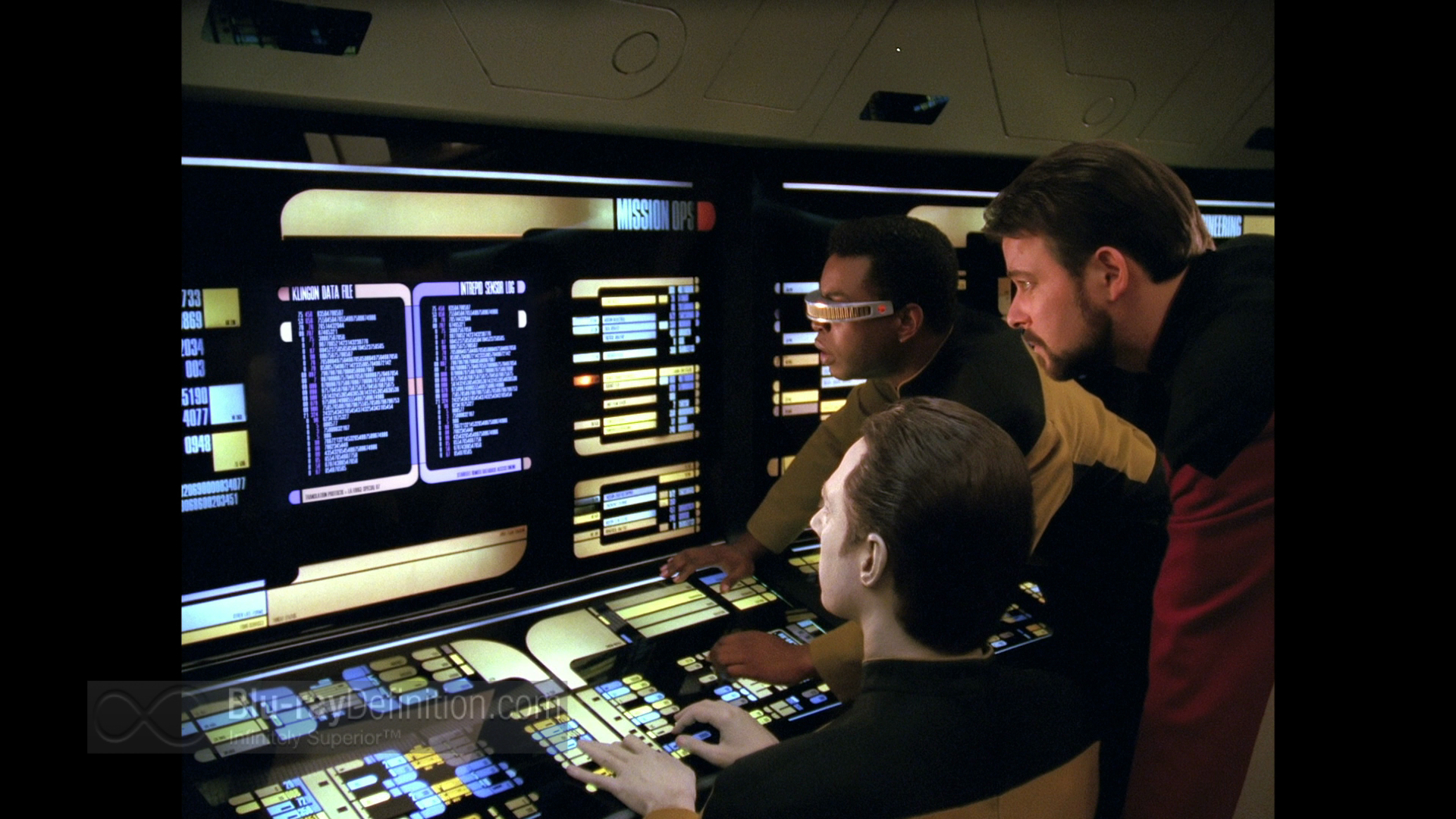
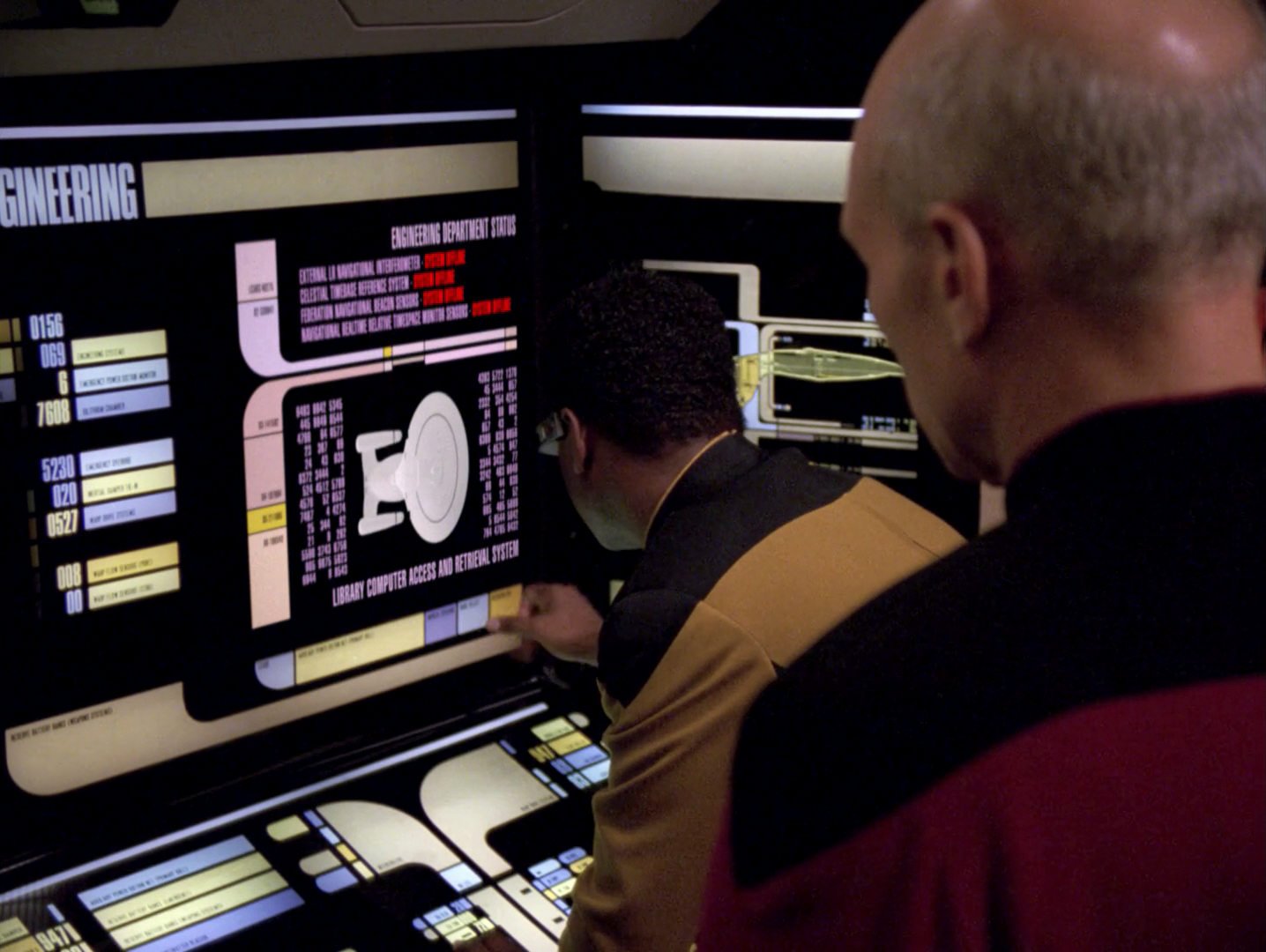
Geordi gives LCARS a different personality. In engineering, the screens become maps of power flow, structural integrity, warp systems and sensor readings, and his performance makes the interface feel diagnostic rather than merely presentational. Episodes such as “Booby Trap”, “Disaster”, “Relics” and “The Quality of Life” depend on us believing that he can read things in those coloured blocks that we cannot, which is not very different from watching a real specialist work in software we have never used.

Download full-resolution image


Download full-resolution image

Download full-resolution image
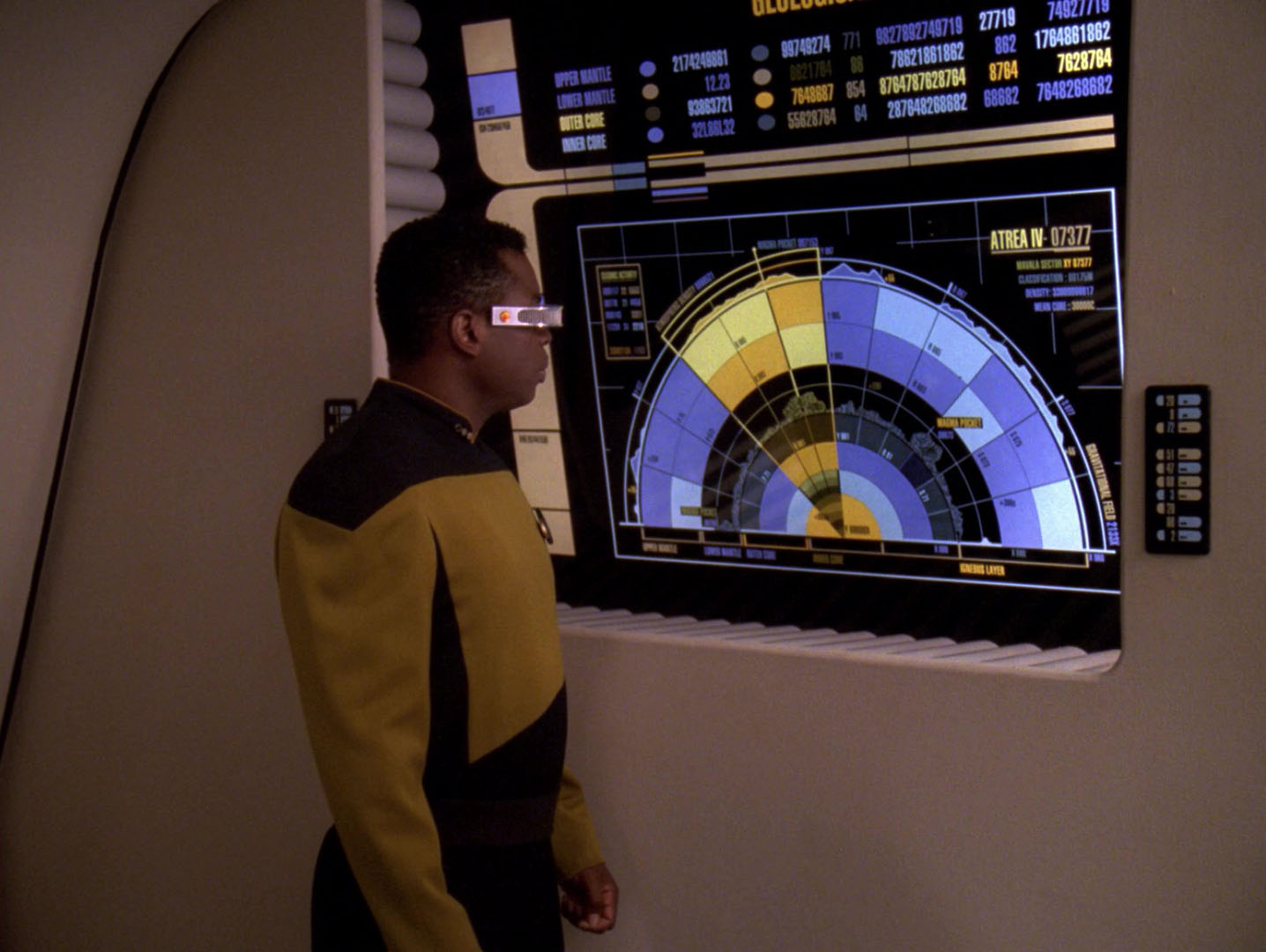
The Crew Teaches Us How to Read It
The characters effectively divide LCARS into different kinds of behaviour. Picard tends to receive information from it, Data races through it, Geordi interrogates it, Beverly Crusher turns it into medicine, O’Brien turns it into transport machinery, and Worf sits at the station where one assumes a badly chosen tap could ruin everybody’s afternoon. The interface remains visually related across all of those tasks, but the actors give each console a different rhythm.
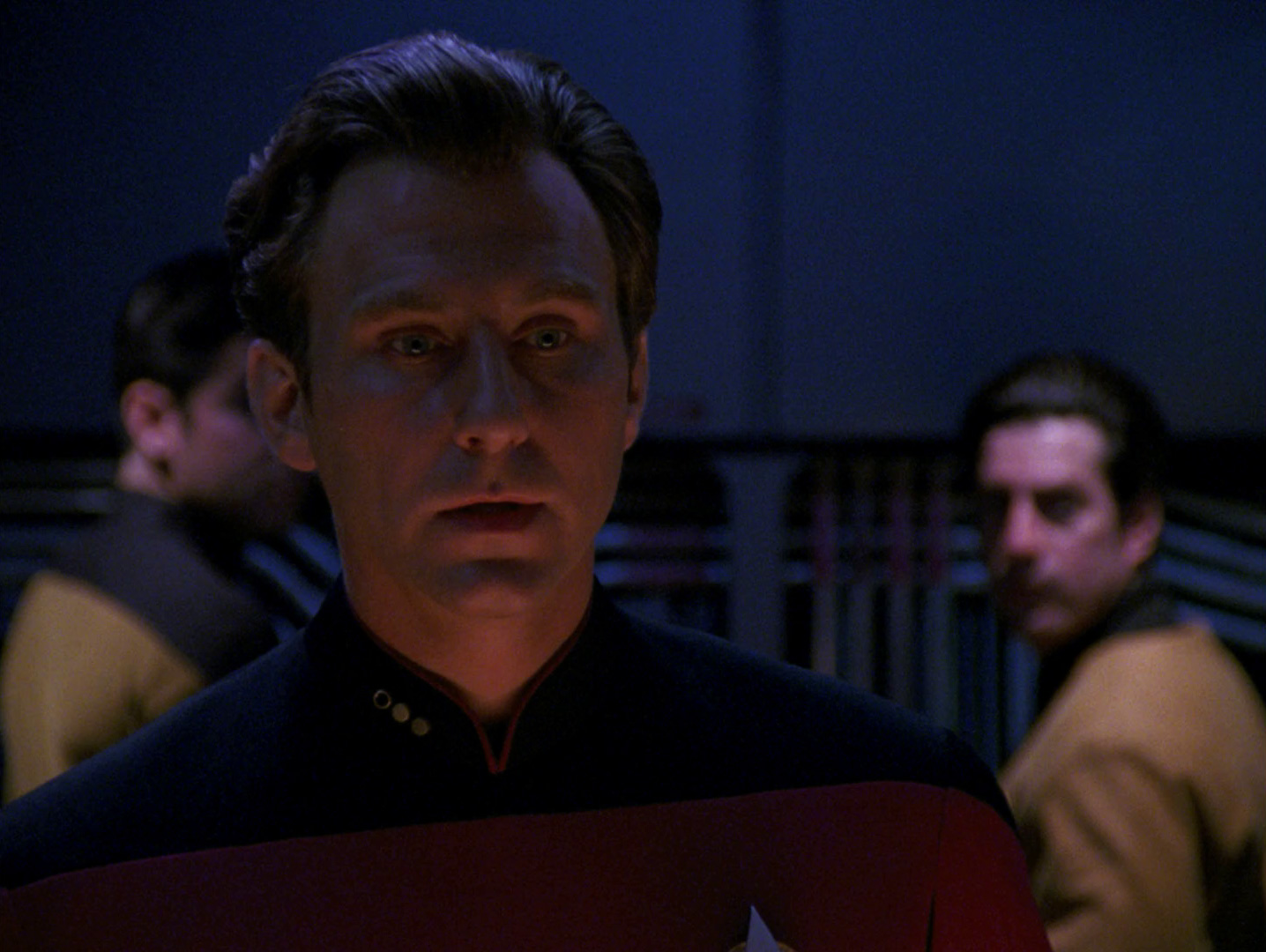
Picard’s relationship with the computer is particularly revealing because he does not need to perform technical competence every time he makes a decision. Reports arrive on PADDs, tactical information appears around him, and the ship’s systems quietly place information within reach. LCARS supports command rather than competing with it, which is an unusually restrained idea of futuristic technology.

Download full-resolution image

Download full-resolution image
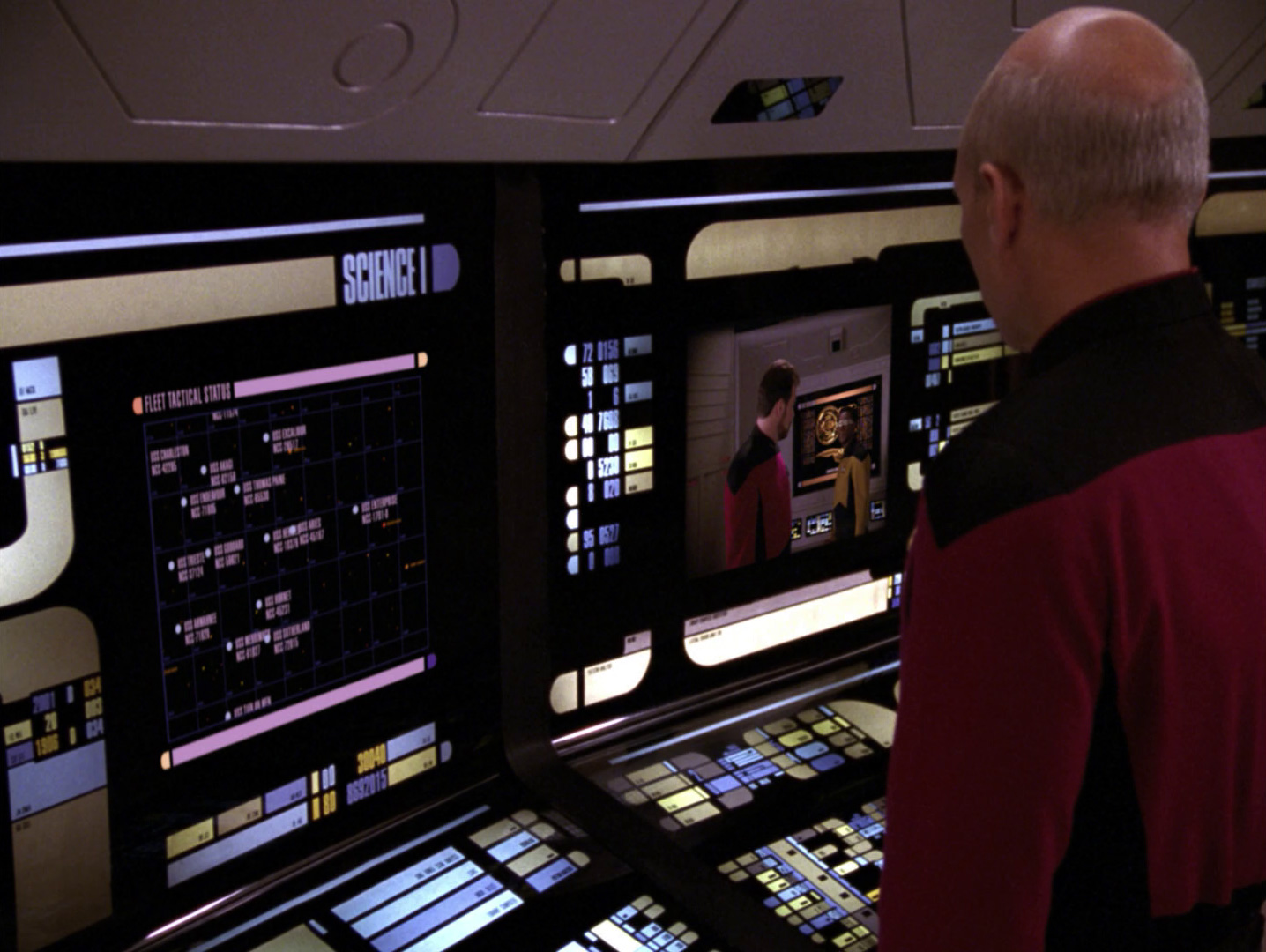
Worf, on the other hand, gives the interface consequence. His tactical station uses the same friendly blocks and rounded geometry as the rest of the ship, but we know that some of those shapes raise shields, fire phasers or launch photon torpedoes. The visual language never becomes more aggressive merely because the function does, which is another small sign that Starfleet technology is intended to feel institutional rather than theatrical.

Download full-resolution image
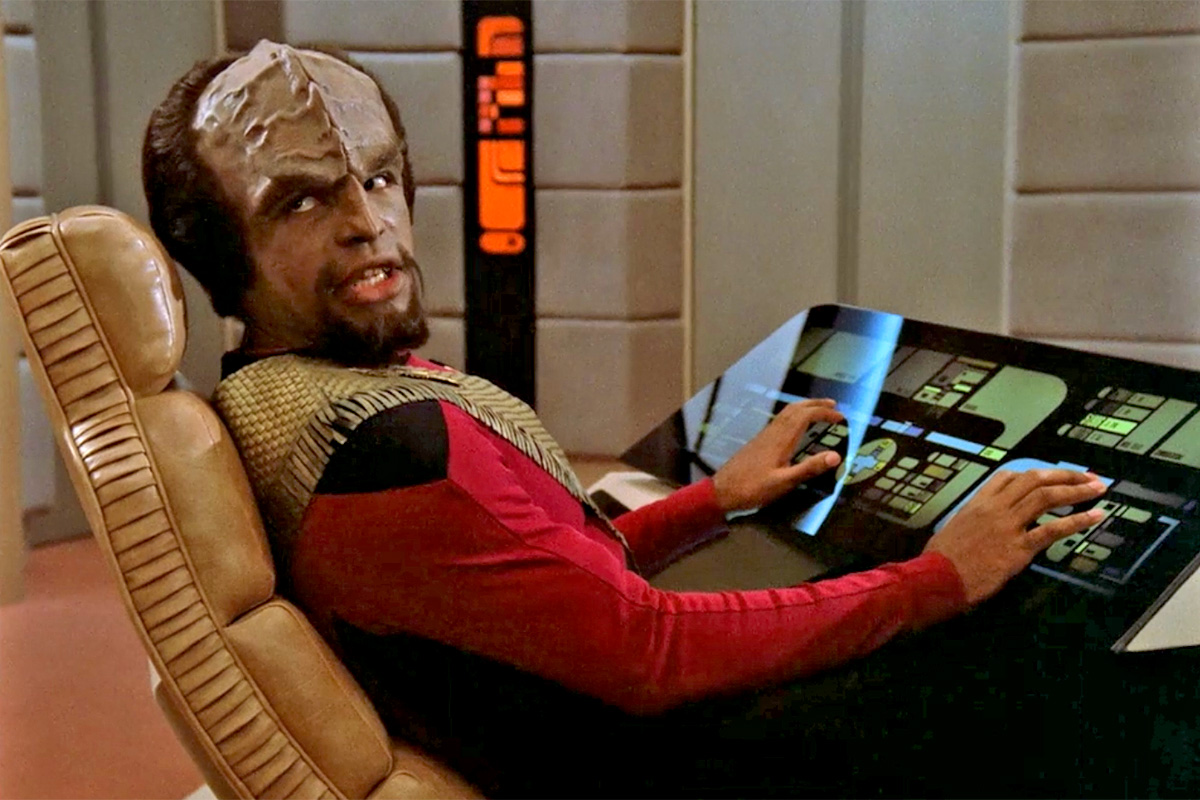
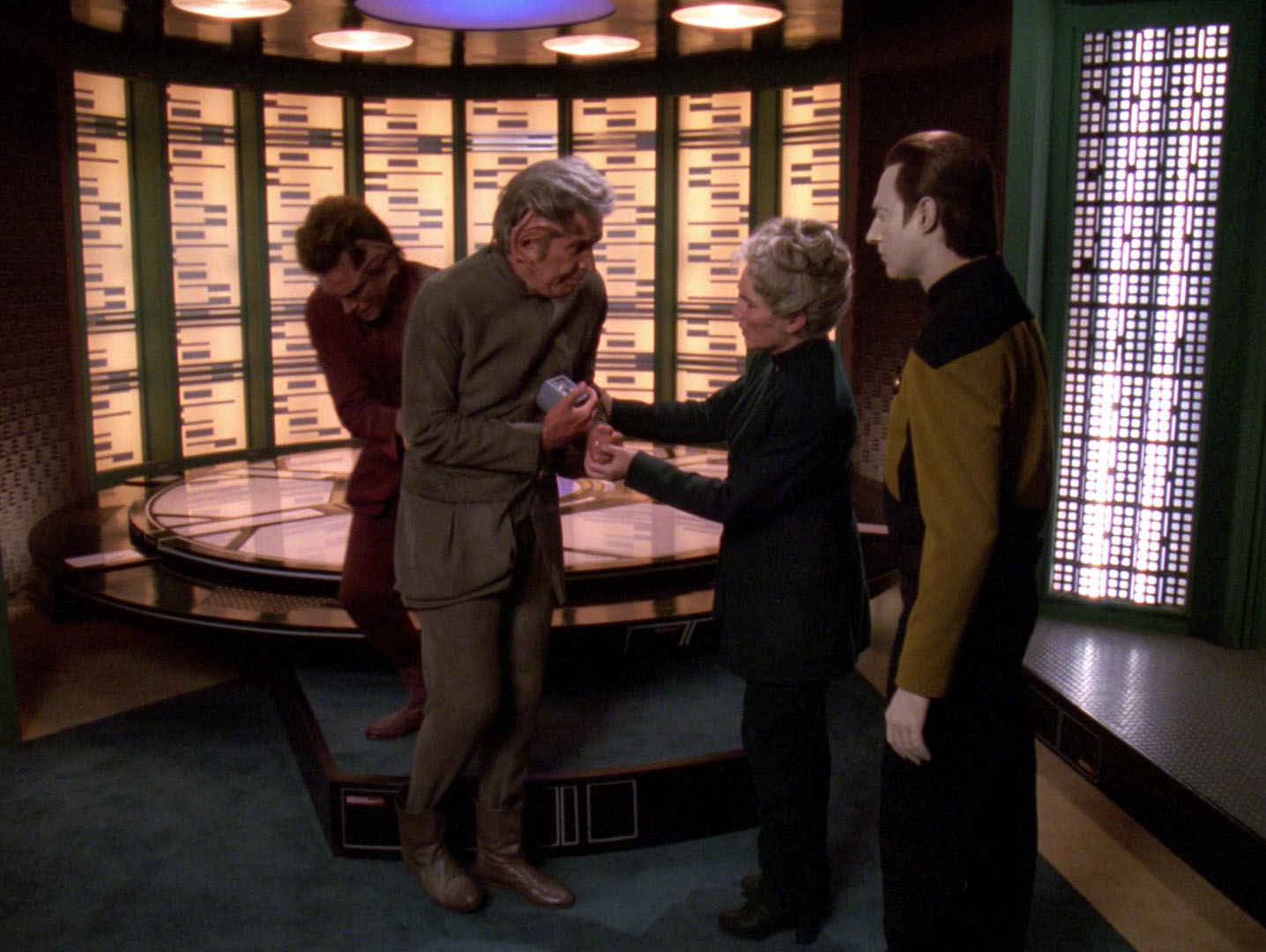
O’Brien does something similar with the transporter controls. After enough episodes, his hands moving across the panel become part of the ritual of transport, and the interface acquires meaning through repetition rather than explanation. It is an old production trick, but a very effective one: if the performer believes the prop has a procedure, the audience begins to believe it too.

Download full-resolution image

Download full-resolution image

A Medical Screen, a Science Screen, the Same Starfleet Accent
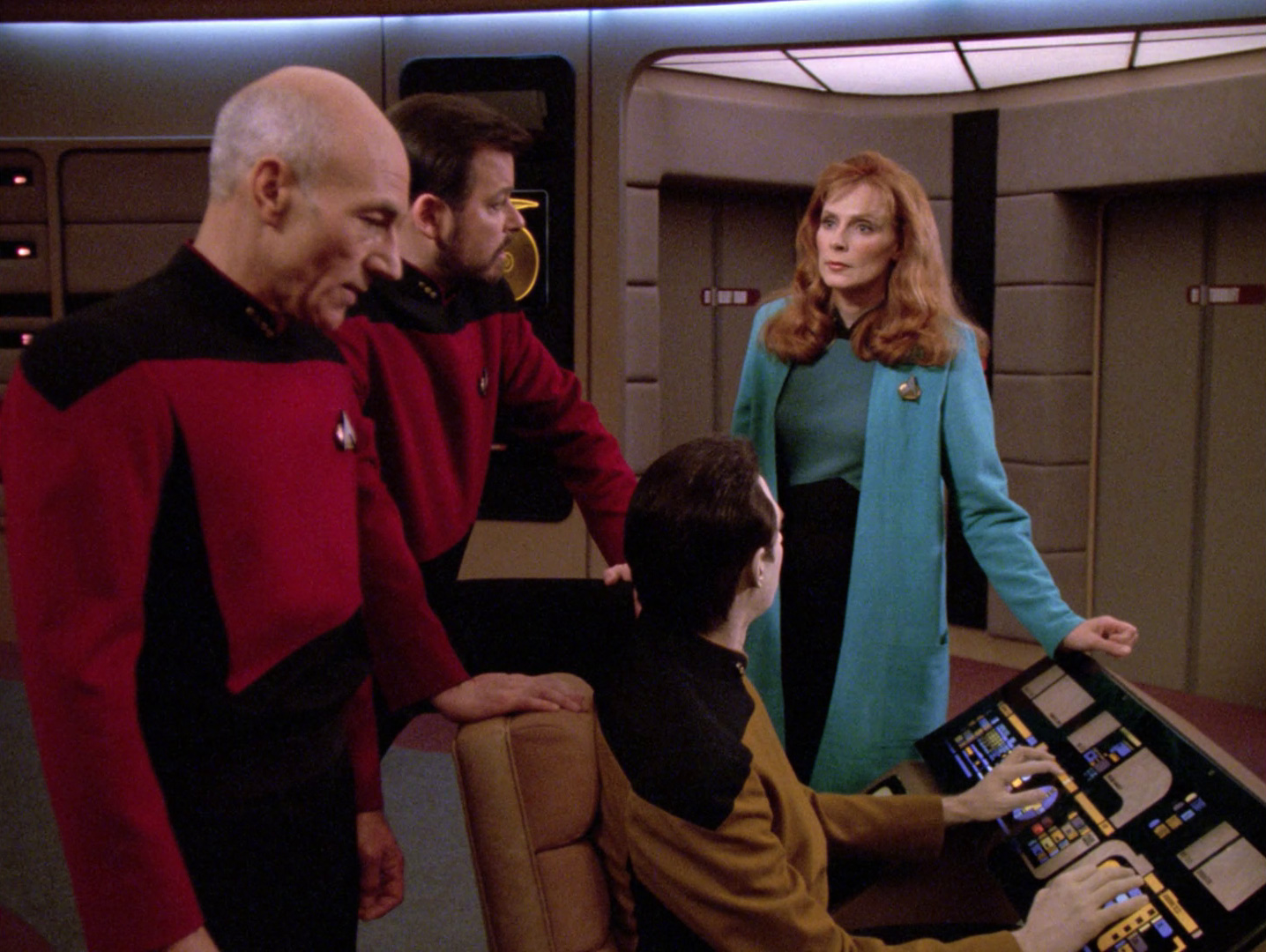
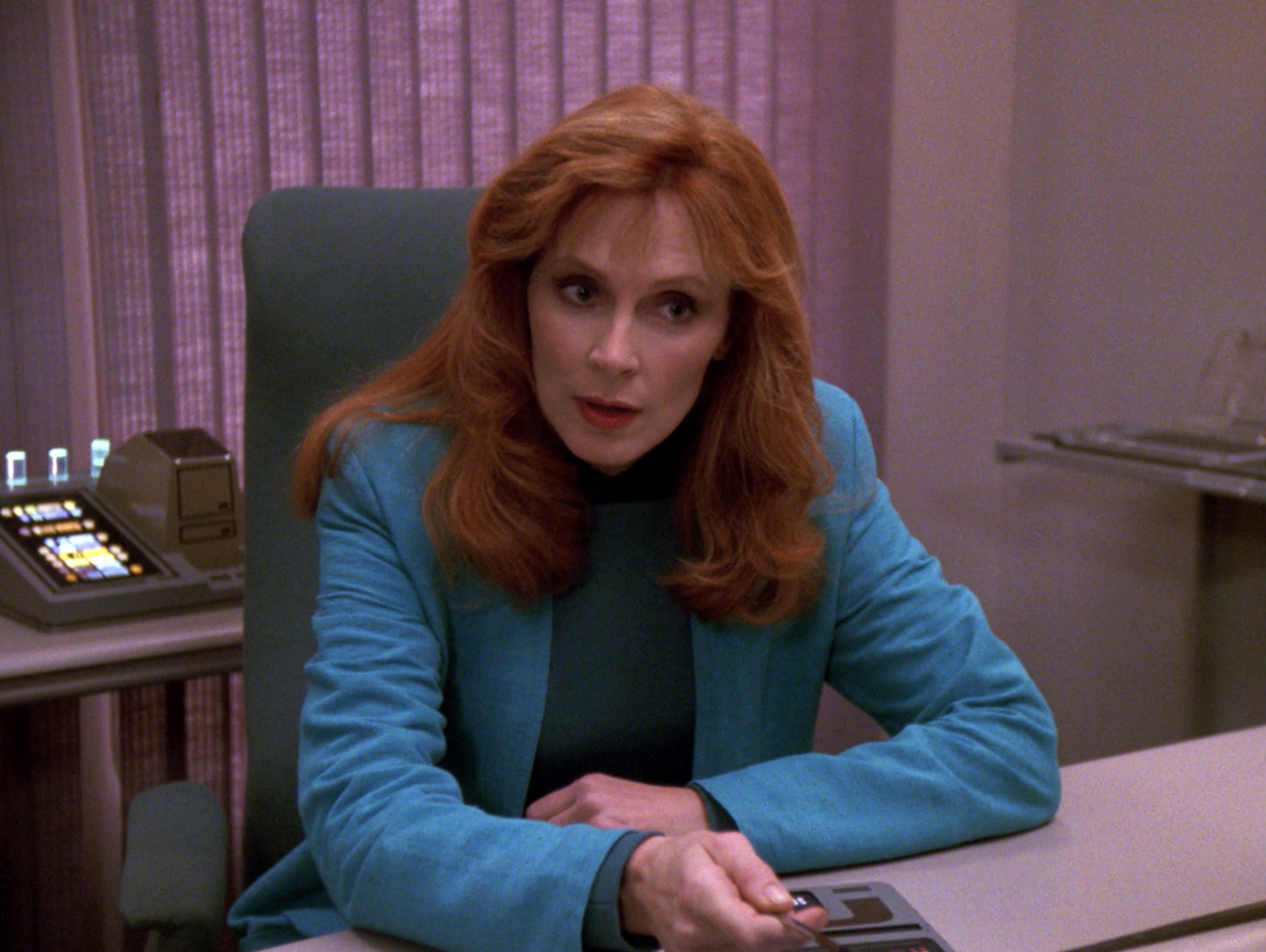
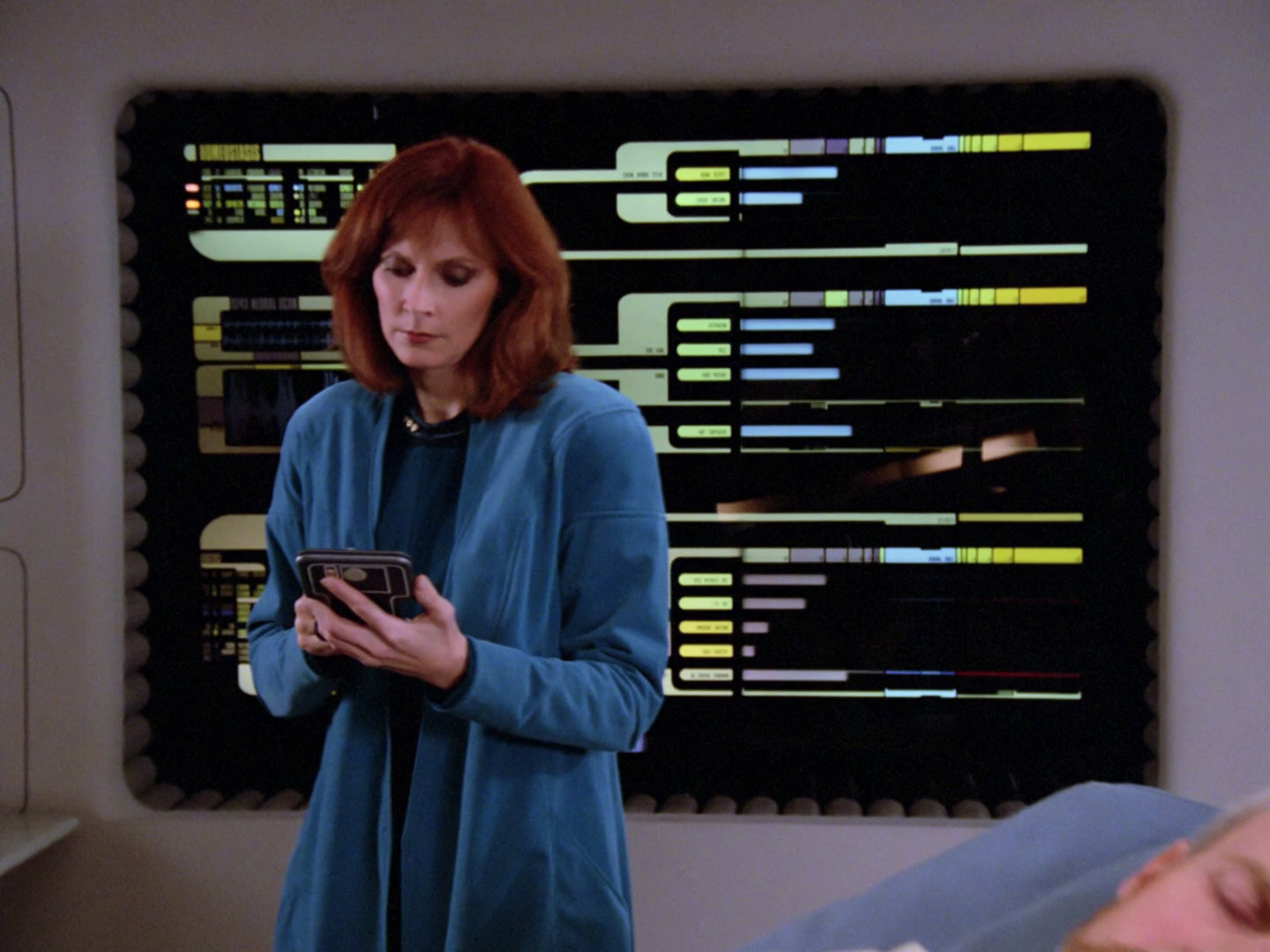
One of LCARS’ better design decisions is that it can change its content without losing its identity. Sickbay screens can prioritise anatomy, biosigns and diagnostics while engineering panels lean towards systems diagrams and bridge stations favour navigation or tactical information. The layout is modular enough that the specific job changes, but the underlying visual accent remains recognisably Federation.

Download full-resolution image


Download full-resolution image
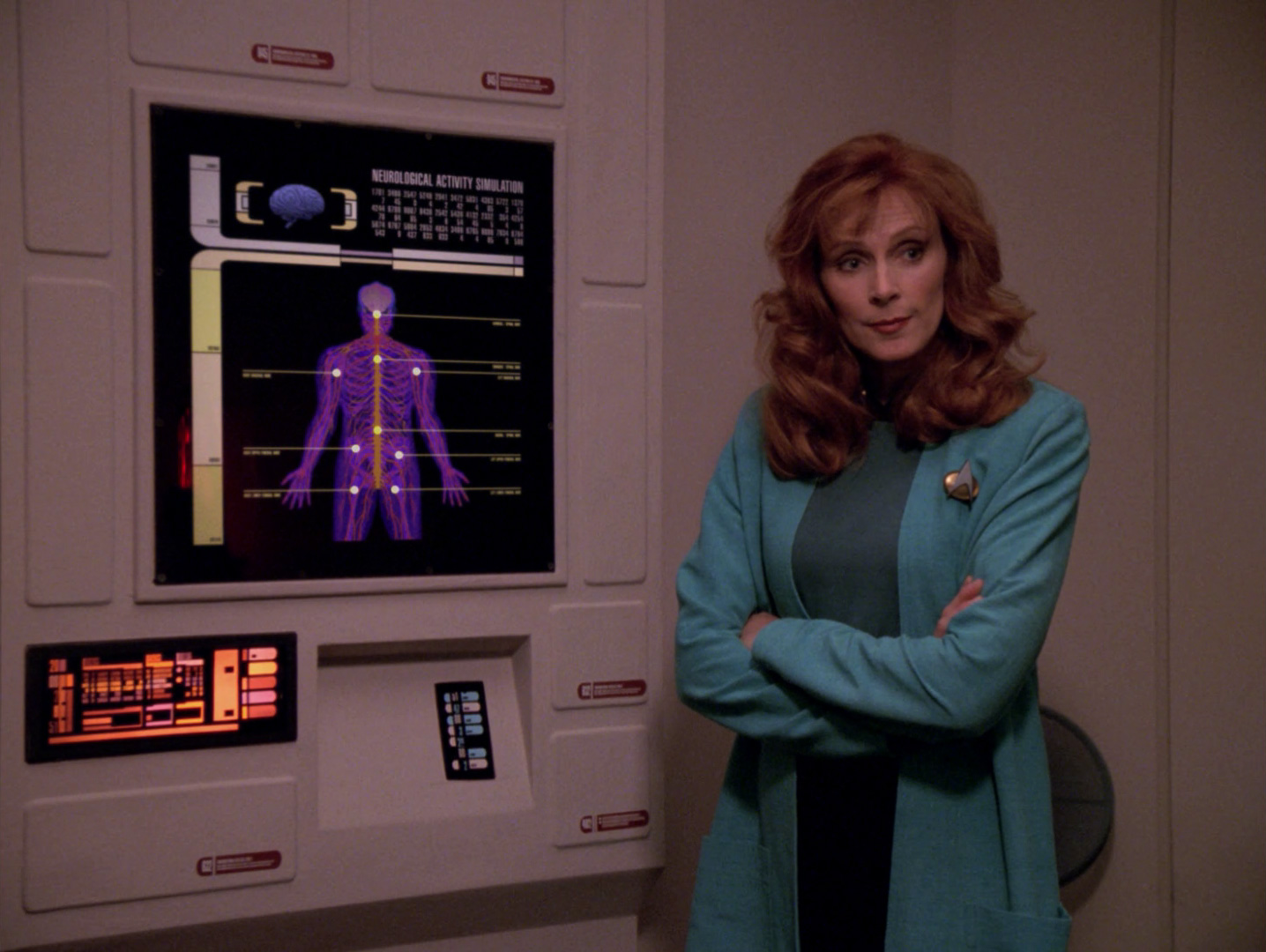
That matters because fictional worlds often make every computer look identical in the name of consistency. LCARS is more convincing when it behaves like a family of interfaces rather than one giant copied template. A biobed monitor does not need to look exactly like Worf’s tactical console, just as a real medical monitor does not need to look like a spreadsheet, but both can still belong to the same technological culture.

Download full-resolution image

Download full-resolution image

Download full-resolution image
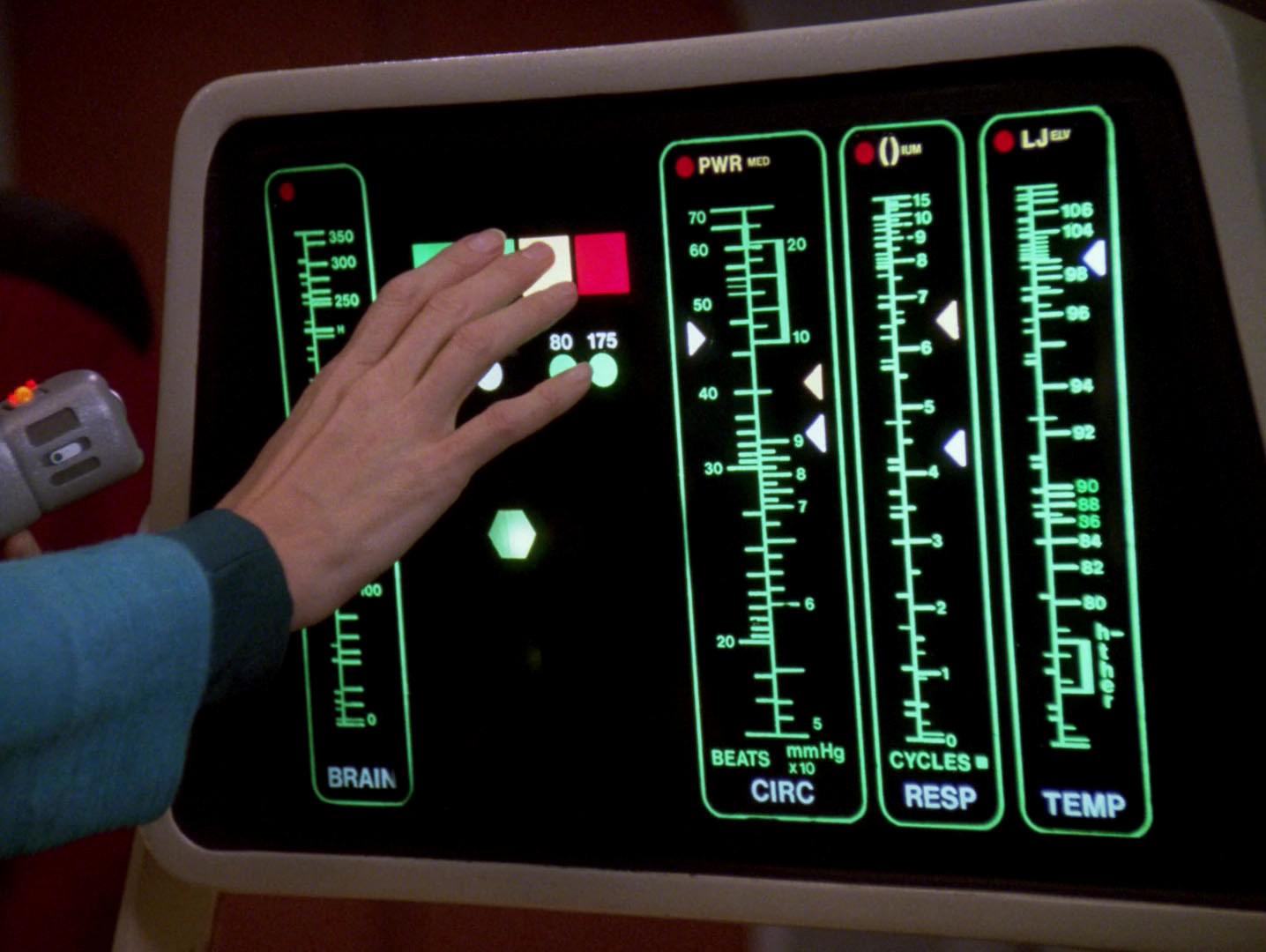
The Enterprise-D’s specialist screens also demonstrate why LCARS works better as production design than as a literal operating system. The colours and shapes create immediate hierarchy at television distance, but many controls would be ambiguous if they were handed to an untrained user. For the show, that ambiguity is useful because it leaves room for the script to decide what any particular button does this week.

Download full-resolution image

Download full-resolution image
PADD Before iPad
The PADD is where Trek’s interface design became unexpectedly close to ordinary life. TNG crews carry flat, touch-operated devices for reports, medical notes, schematics and messages, and they do so with almost no ceremony. In the late 1980s this still belonged comfortably to science fiction; now I can watch the scene on a device that is conceptually not very different from the prop being held on screen.

Download full-resolution image
What TNG got right was less the exact form of the device than the social behaviour around it. The PADD is disposable in the conversational sense: people hand one over, glance at it, put it down, carry several at once and use it as an unremarkable extension of the larger computer network. The technology is convincing because nobody stops to admire the technology.

Download full-resolution image
There is an amusing inefficiency in the fact that Starfleet officers often seem to carry several PADDs at once, as though each document requires its own piece of hardware. Perhaps the twenty-fourth century solved faster-than-light travel before it solved browser tabs. Even that oddity has become part of the charm, because it reminds me that the future was still being imagined from an era of paper folders, clipboards and separate pieces of physical media.
The Sound of a Computer That Already Knows You
LCARS is also inseparable from sound. The soft acknowledgment chirps, alert tones and bridge noises create an audio layer that makes the flat panels feel responsive, while Majel Barrett’s calm Federation computer voice gives the entire system a personality without turning it into a character that constantly demands attention. The combination is so familiar that a few tones and that voice can establish “Starfleet computer” before the camera shows a single screen.
That audio restraint matters because LCARS would feel much less convincing if every action produced a dramatic electronic flourish. The sounds are short, functional and repetitive, which makes them feel like ordinary feedback rather than science-fiction decoration. Long before “sonic branding” became a phrase people used in presentations, Star Trek had already given its computer system a recognisable sound signature.

Download full-resolution image
Tiny Jokes Hidden Inside the Future
The production graphics also contain the kind of details that make set design feel human. Okuda and other members of the art department could place initials, small jokes and crew references inside areas that viewers were unlikely to read on a standard television set. The graphics only needed to look densely informative at broadcast resolution, so the tiny text became a place where the people making the show could leave fingerprints.
I like that enormously because it punctures the solemnity without damaging the illusion. Somewhere inside the future of interstellar navigation and antimatter containment is the graphic equivalent of somebody writing their name under a desk. Starfleet may have dispensed with quite a few of our less productive habits, but apparently not the urge of designers to sneak something into the final artwork.

Download full-resolution image
Download full-resolution image

Download full-resolution image

The Strength of LCARS Is Also Its Weakness
As a piece of screen design, LCARS is remarkably effective. It has strong visual identity, a consistent geometry, enough modularity to work across very different sets and enough contrast to survive television photography. Most importantly, it can sit behind an actor without turning the shot into a demo reel for the graphics department.
The fictional system is meant to be adaptive: the Star Trek: The Next Generation Technical Manual describes LCARS as rearranging available choices according to the user’s task and habits. That is an appealing idea, and a rather more sophisticated one than treating every coloured rectangle as a permanent button. The challenge, of course, is that we are judging a visible prop interface, not working software. As an actual everyday interface, I still suspect it would make me irritable quite quickly. Many controls have weak affordances, labels can be tiny or cryptic, colour relationships are not always self-explanatory and there are plenty of areas where the meaning exists only because the actor presses them with conviction. If someone replaced my computer with a completely authentic Enterprise-D desktop tomorrow, I would probably spend the first ten minutes admiring it and the next ten trying to find the equivalent of Undo.

Download full-resolution image

That is not really a failure because LCARS was never designed to survive confused office workers, accessibility reviews, localisation or somebody clicking the wrong button at 4.57 on a Friday afternoon. It was designed to survive the camera. Judged by that requirement, it is one of the most successful fictional interfaces television has produced.
When LCARS Becomes Part of the Drama
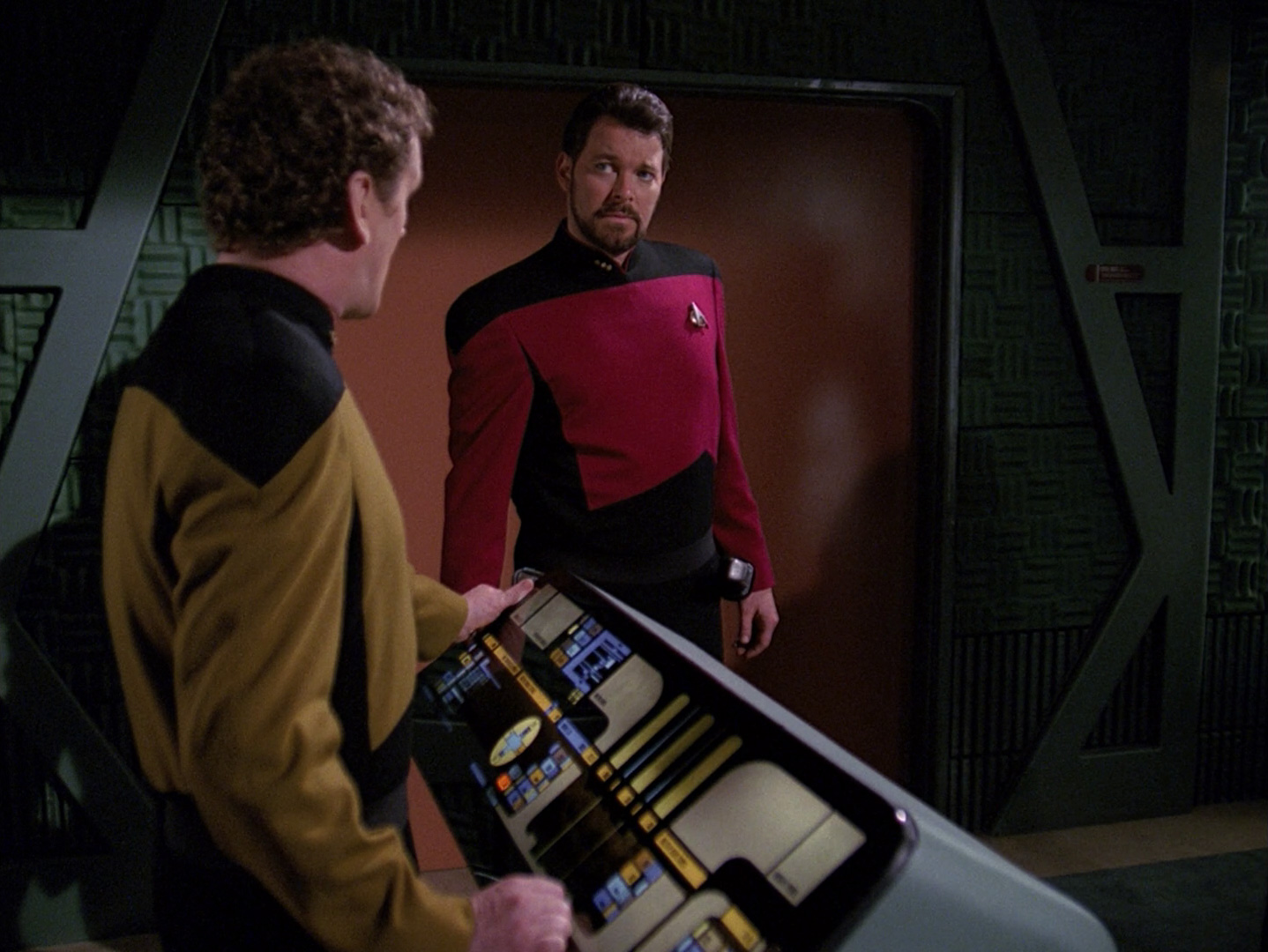
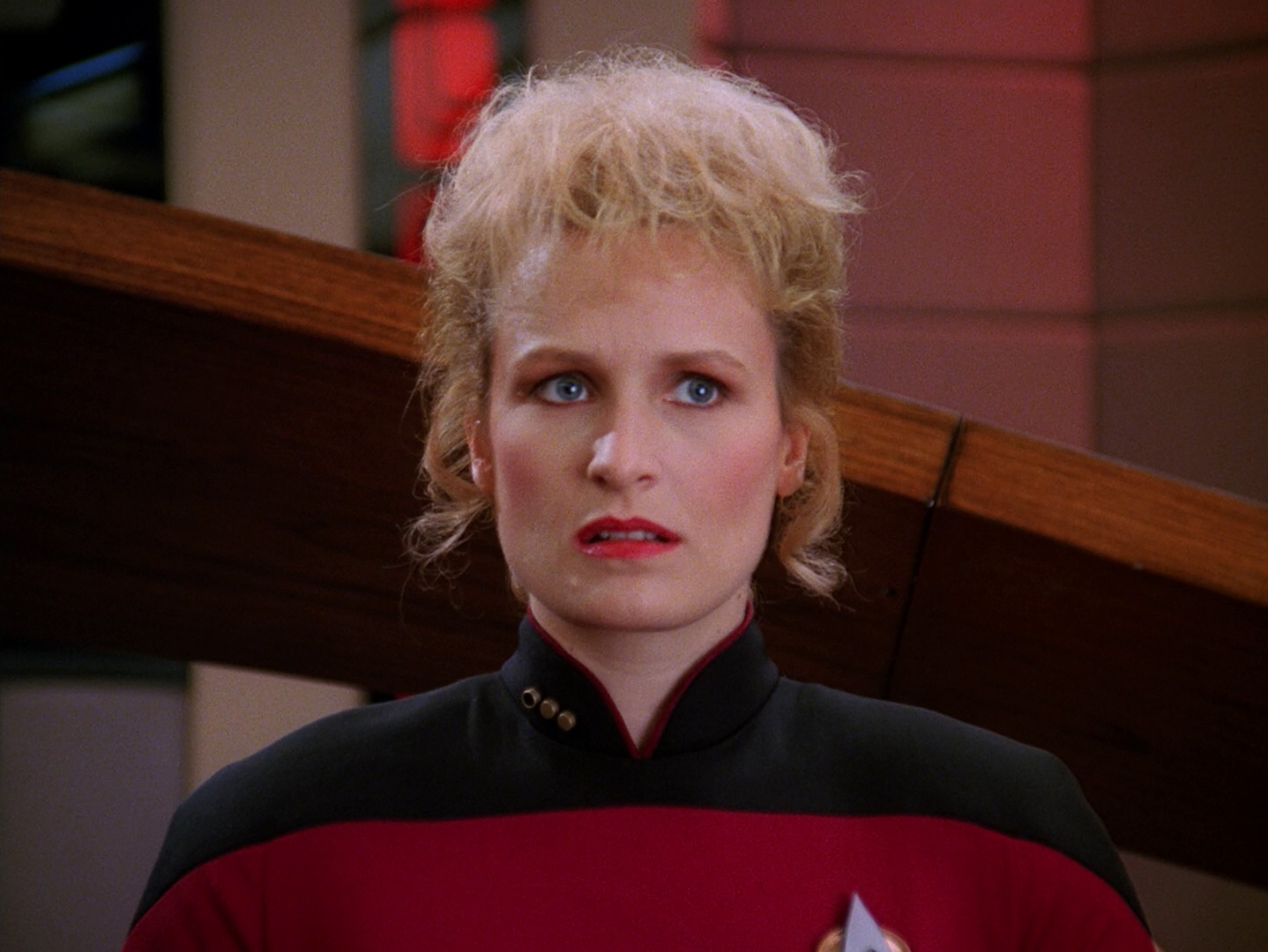
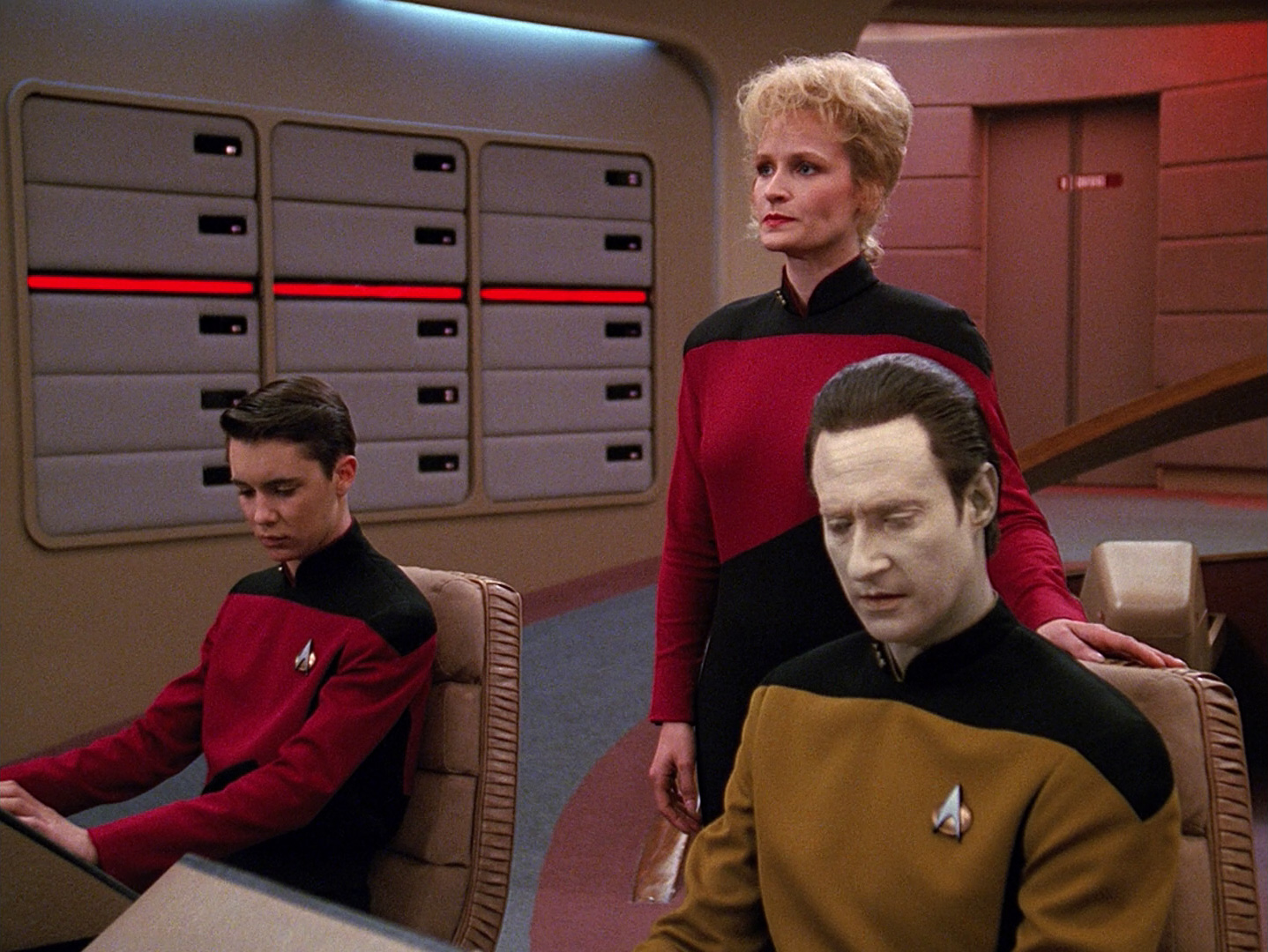
The basic visual grammar generally stays recognisable even when the ship is not calm. Warning states and red-alert displays do exist, but the ordinary LCARS language rarely disappears entirely. That is particularly noticeable in episodes such as “The Best of Both Worlds”, where the Enterprise-D is facing an existential threat from the Borg but the computers do not suddenly transform into red, animated action graphics. The same pastel system that handles routine navigation now happens to be telling the crew that something awful is approaching.

Download full-resolution image

Download full-resolution image


Download full-resolution image

Download full-resolution image
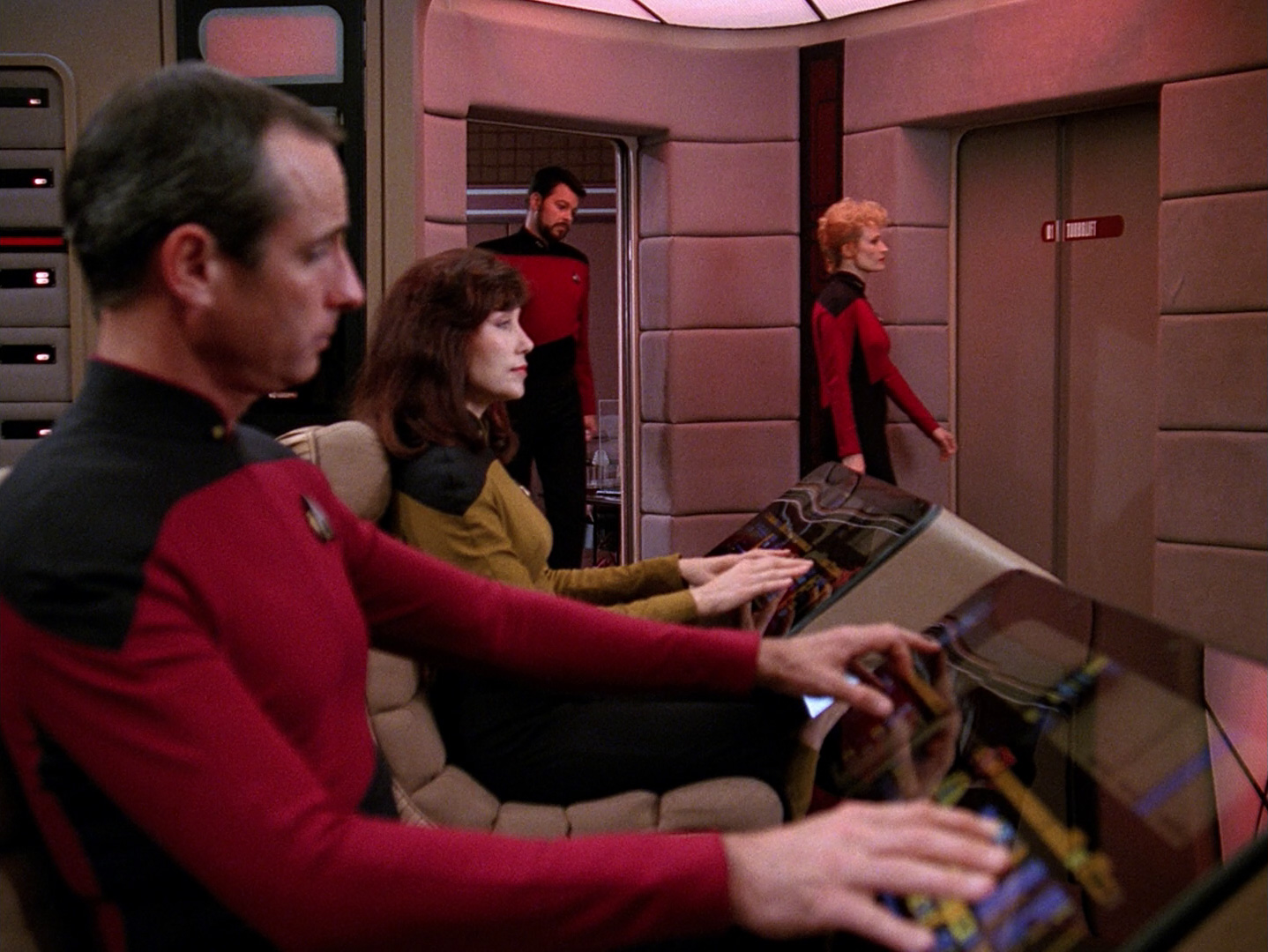
That consistency makes the crisis feel more real to me. Actual institutional systems do not usually redesign themselves for dramatic effect when something goes wrong; they keep being the same slightly dull systems while the situation around them becomes frightening. TNG understood that the interface did not need to shout in order for the story to have stakes.

Download full-resolution image

Download full-resolution image

Download full-resolution image
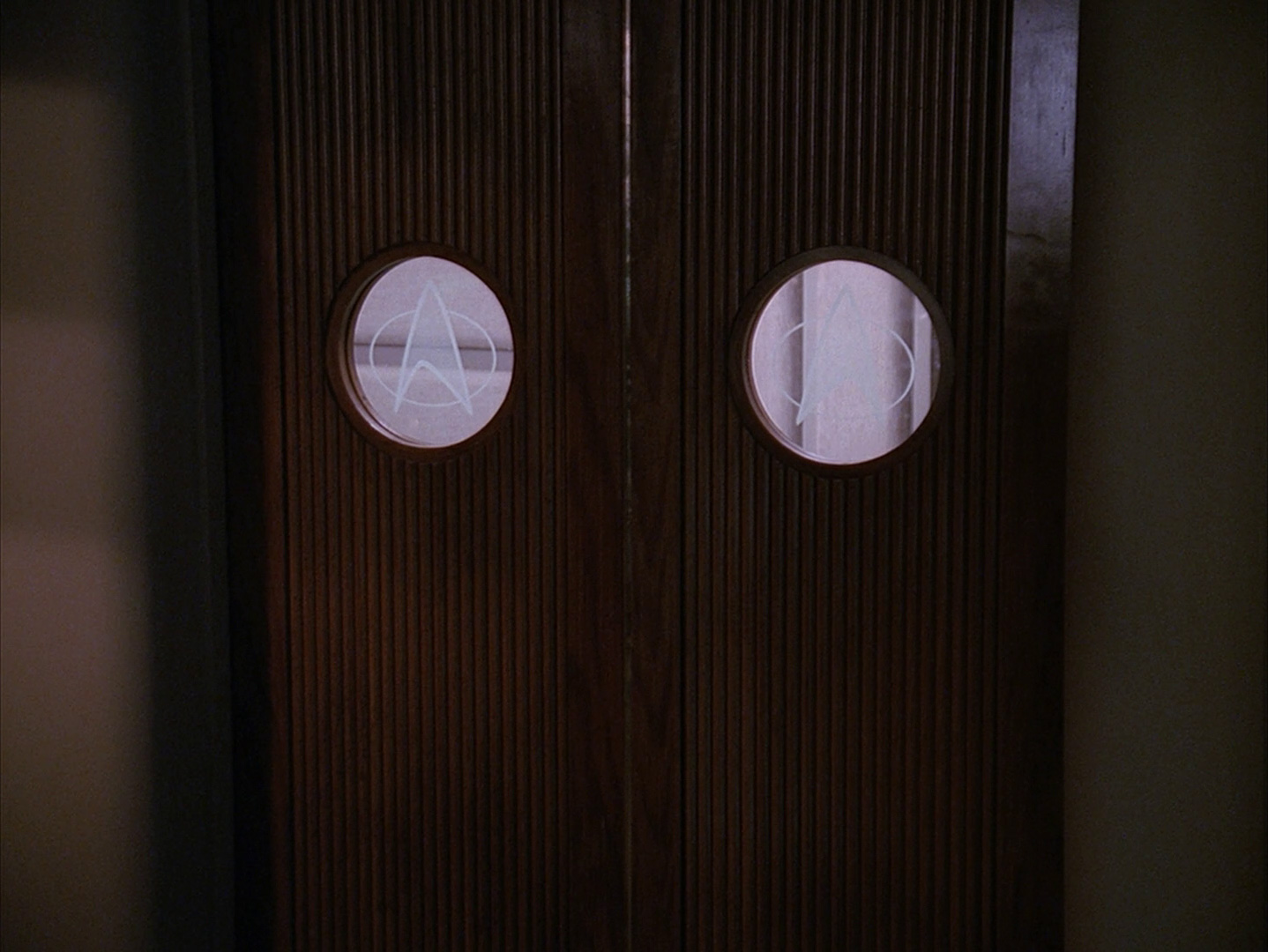
Sisko Gets a Harder Version of Starfleet
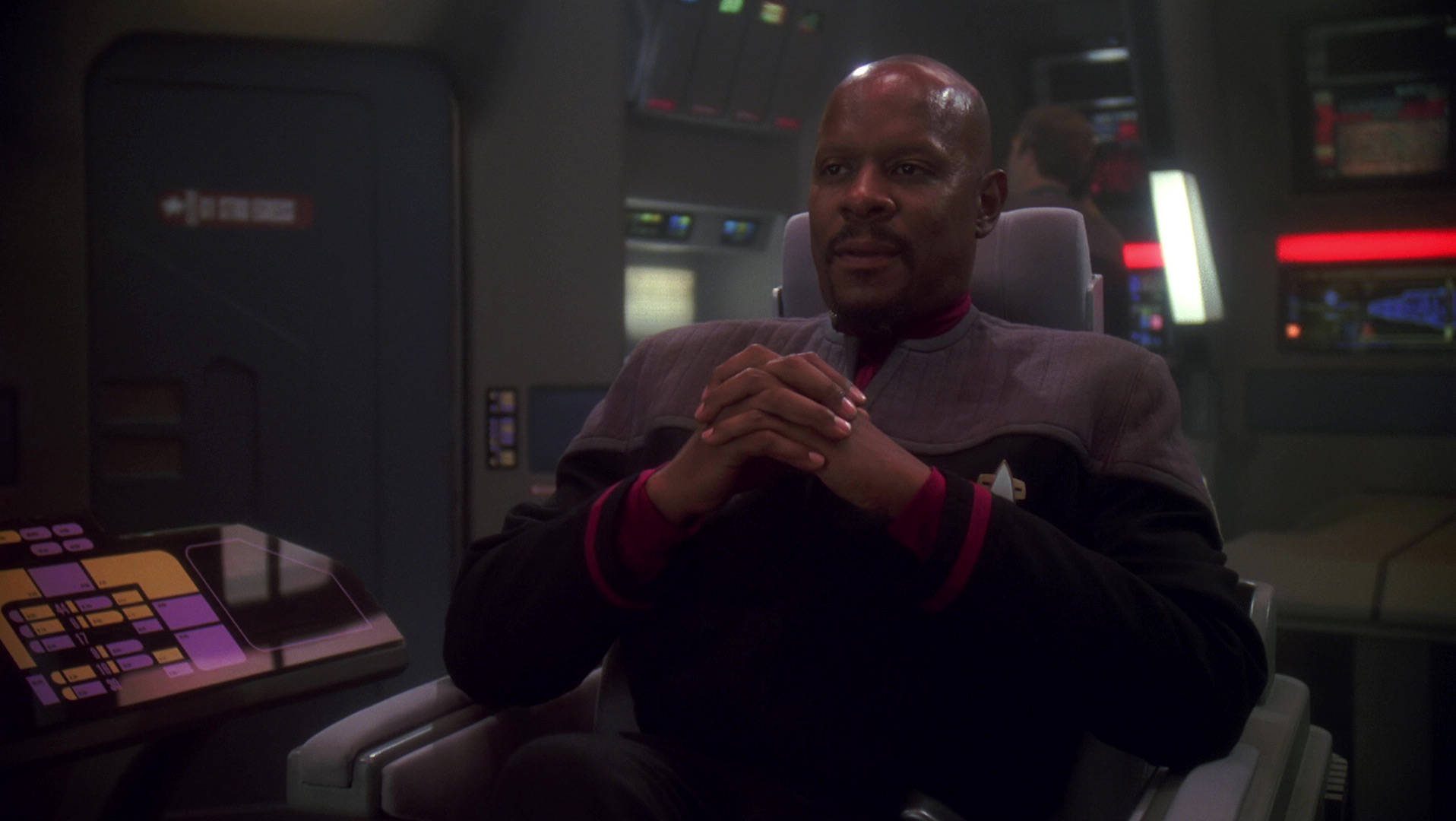
Deep Space Nine makes the design language more interesting by putting Starfleet officers inside a station that was not built by Starfleet. Cardassian architecture and controls are harder, darker and more angular, so Federation PADDs, runabouts and eventually the Defiant stand out immediately. The difference is cultural rather than merely decorative: two technological societies can occupy the same series and still have different visual instincts.
The Defiant keeps enough LCARS DNA to remain familiar, but the ship is smaller, more crowded and built for a much less leisurely kind of work than the Enterprise-D. Sisko’s bridge therefore feels tougher even though the graphics still belong to the same family. It is proof that a design system can change mood without losing recognition.

Download full-resolution image
Voyager Carries the Interface Home With It
Voyager gives LCARS another job altogether. The ship is stranded roughly seventy thousand light-years from Federation space, but its consoles, PADDs and engineering displays remain unmistakably Starfleet, so the interface becomes one of the small pieces of home the crew carries into the Delta Quadrant. Alien ships can have whatever symbols and control systems the episode requires; when the camera returns to Voyager, the visual language tells us where we are.
Janeway’s bridge feels sharper and a little busier than the Enterprise-D, but the lineage is obvious. Tuvok’s tactical station, B’Elanna’s engineering displays and the Doctor’s medical environment all extend the same basic system while adjusting it to a different production decade. LCARS does not remain frozen in 1987; it evolves enough to avoid becoming a museum piece.
B’Elanna is particularly good at making the interface feel physical even though so much of it is graphical. She leans into the consoles, argues with the ship, reroutes systems and treats information as something that can be pushed around under pressure. The performance gives the flat panels a sense of resistance, which is exactly what screen technology usually lacks on camera.

Download full-resolution image

Data, Seven and the Difference Between Human and Machine Logic
There is a broader Star Trek idea underneath all of this. Data is an artificial being who becomes comfortable inside a human-designed system, while Seven of Nine comes from the Borg, where the distinction between person and interface barely exists. Federation technology is advanced, but it generally remains something people use; Borg technology tends to make the people part of the machinery.

Download full-resolution image

Download full-resolution image
That contrast helps explain why LCARS feels so characteristic of Starfleet. It is not grim, militarised or aggressively efficient, even when it is controlling weapons. The interface suggests that technology has been domesticated rather than worshipped, and that the future belongs to people who expect computers to support human judgement rather than replace it.

Download full-resolution image

Download full-resolution image
What LCARS Accidentally Predicted
LCARS did not predict the modern interface in any literal sense, but it got several broad directions right. Physical controls increasingly became software controls, portable touchscreens became normal, voice interaction stopped looking ridiculous, and information moved away from individual machines towards networks and shared services. A PADD, a bridge console and an engineering station all seem to be windows into the same larger system rather than isolated devices.
The most accurate prediction may simply be that advanced technology would become boring. Nobody on the Enterprise pauses to admire a touch panel, just as nobody now gathers around a smartphone to marvel that it can display a map. Science fiction often imagines future people being permanently impressed by the future; TNG understood that they would mostly be trying to finish their shift.

Download full-resolution image
The Interface Became the Logo
The real achievement of LCARS is that it no longer needs Star Trek branding to identify itself. Draw a black rectangle, add a peach or orange elbow, place a few lavender capsules beside it and fill the remaining space with narrow numbers, and the result already looks like Starfleet. The identity lives in proportion, rhythm and colour before it lives in a badge or wordmark.
That puts LCARS in a small group of fictional interfaces that have become cultural shorthand: the green code of The Matrix, the targeting graphics of The Terminator, the CRT terminals of Alien. LCARS means something slightly different from those systems, though. It suggests a technological future that is complicated without being hostile, and optimistic without looking childish.
It also suggests a future with no pop-up advertising, no subscription tier for basic functions and no cheerful notification informing Picard that his warp-core storage is almost full unless he upgrades to Starfleet Plus. At this point, that may be the most fantastical element of the entire franchise.
Going Home to the Enterprise-D
The most satisfying coda came decades later when Star Trek: Picard rebuilt the Enterprise-D bridge for its third season. Michael Okuda returned to recreate the graphics, and the production deliberately preserved visual imperfections associated with the older illuminated panels rather than smoothing everything into pristine contemporary screens. The point was not to “fix” the future; it was to make the old future feel like itself again.
That decision says almost everything about why LCARS matters. The Enterprise-D was not only the shape of the bridge, the chairs or the carpet, because the computer graphics had become part of the room’s emotional architecture. Restore those peach, lavender and blue forms and the place immediately becomes recognisable, even before anyone says a word.

Download full-resolution image

I still do not know what most of the buttons do, and I am fairly sure I should not touch Worf’s console without supervision. But I know what those buttons mean, and after all these years that may be the better measure of successful design: they tell me where I am, what kind of future I have entered, and why some part of me still expects the computer to answer in Majel Barrett’s voice.
Image credits: Television stills © Paramount/CBS, used in the context of criticism and design commentary. Additional reference imagery via TrekCore, Ex Astris Scientia and the original image providers. Rights remain with their respective owners.
Sources and further reading
StarTrek.com — Michael Okuda and “Okudagrams”
TrekToday — Michael and Denise Okuda Q&A
Ars Technica — Star Trek’s interface and PADD design
StarTrek.com — Star Trek PADD app and Michael Okuda
StarTrek.com — Majel Barrett Roddenberry and the Federation computer voice
Art Directors Guild — Star Trek: Picard Enterprise-D bridge recreation
TrekCore — TNG “Peak Performance” production notes and the LCARS acronym
Leave a Reply